
What are dipllinks?
Dipllinks are special lines that are commands for certain actions in the application. At the moment, the Smarty platform supports sending diplinks through the Slider tape (futuristic) and by sending mass messages to the user screen (futuristic and sibseti).
Mechanics of the work of diplinks
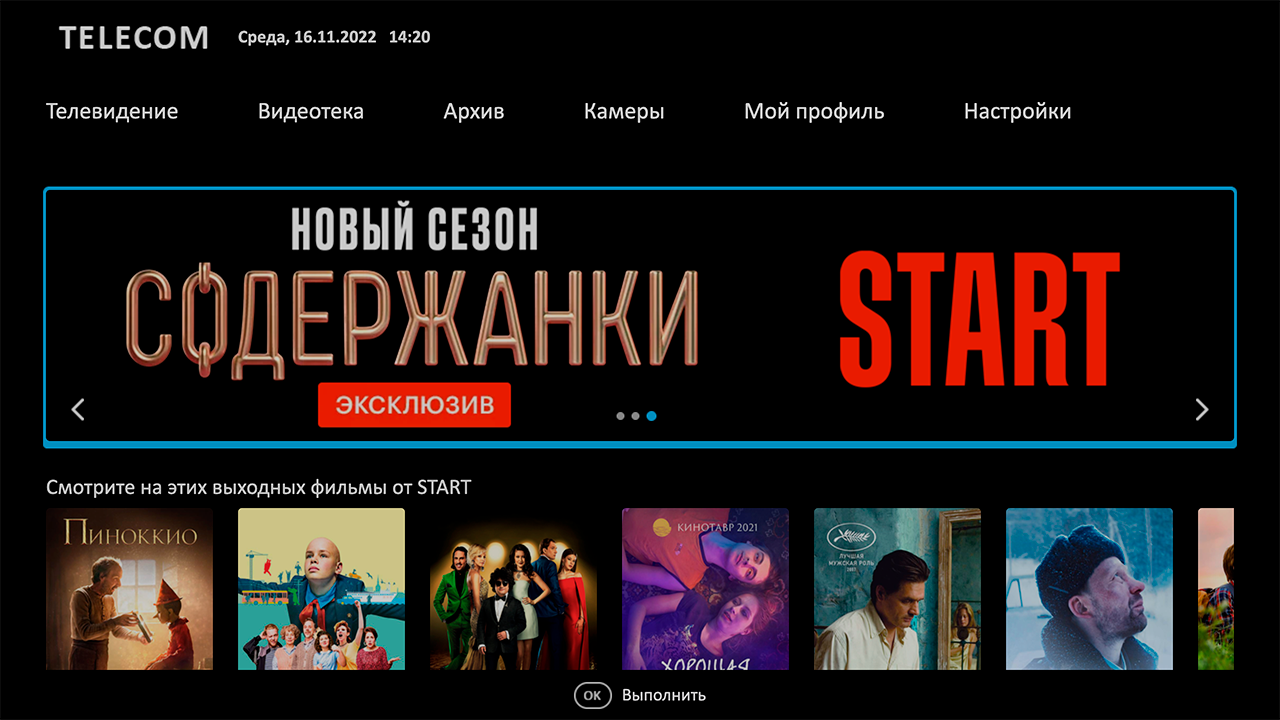
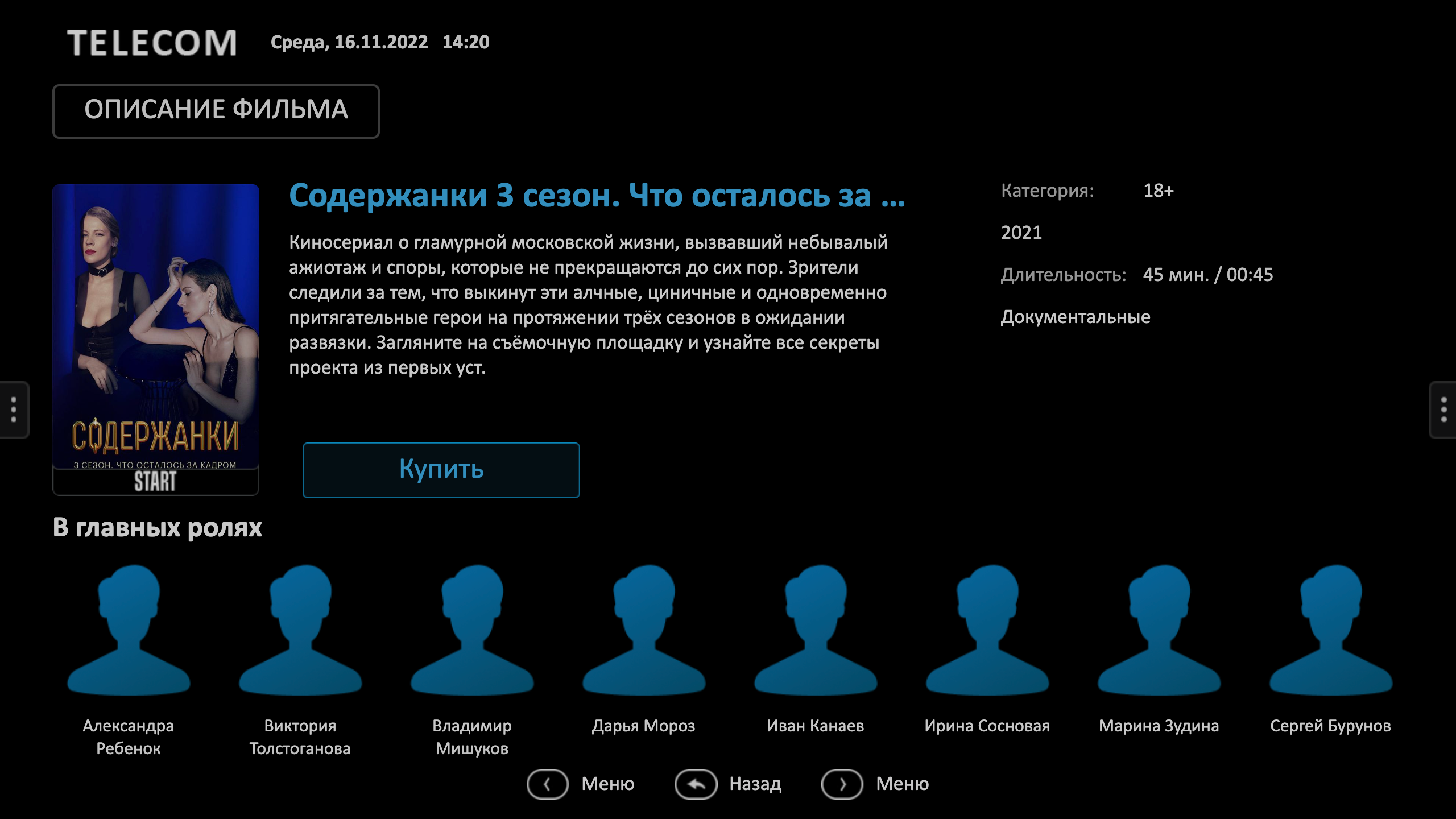
For example, as part of an advertising campaign, we placed a banner in the slider about the release of the new season of the series and it would be convenient for a quick click on the banner to go to the description page and the view / purchase button. To implement this scenario, in the admin in the form of editing a slider, we prescribe the following diplink to the advertising banner:
microimpuls:/ /screen=content&content_type=video&content_id=1353
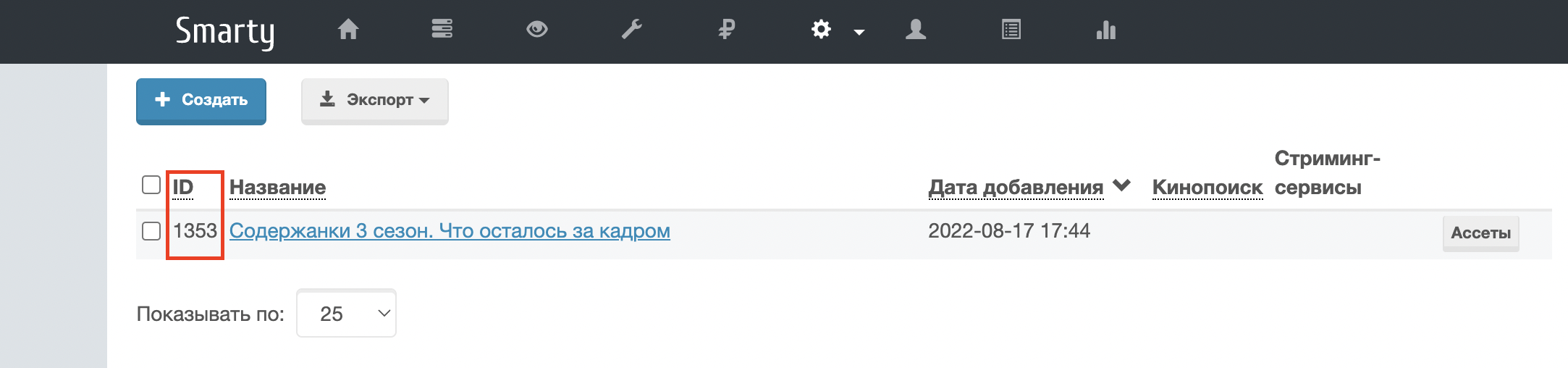
where content This is the identifier of the series we need in Smarty (you can see it in the list of films also in the admin)

Let’s look at the main types of diplinks.
Futuristic
Opening the application screen
Format: microimpuls://screen=<system name of the screen;
Example: microimpuls://screen=tv (TV screen opening)
Possible system names for screens:
- TV - tv
- Video library - vod
- Archive - archive
- Cameras - cameras
- Balance - balance
- System information - info
- Reminders - notifications
- Payment by QR - payment-qr
- Activation of promo code - promoactivation
- Choice of cinema - providers
- Radio - radio
- Search - search
- Services — services
- Sorting channels - sort
Opening the application screen with content binding
Format: microimpuls://screen=&content_type=&content_id=
Example: microimpuls:/ /screen=content&content_type=video&content_id=1353 (film page opening)
Possible dipllinks:
- Opening the film page
microimpuls:/ /screen=content&content_type=video&content_id=1353 - Opening the TV screen with a focus on the channel
microimpuls://screen=tv&content_id=10 - Opening the TV screen with a focus on categories
microimpuls:/ /screen=tv&category_id=5&content_id=10 - Launching content in a full-screen player
microimpuls://screen=player&content_type=channel&content_id=4launch of the channelmicroimpuls://screen=player&content_type=video&content_id=315504film launchmicroimpuls://screen=player&content_type=camera&content_id=10&city_id=377675camera launch
Activation of promo code
Format: microimpuls://screen=default&promo_code=&action=promo_activate
Example: microimpuls://screen=default&promo_code=class2022!&action=promo_activate
Sibseti
Warning: since there are no sliders in the sibseti template, the sending of diplins is carried out only by mass mailing messages to the user screen from Smarty.
Launching the channel in a full-screen player
Format: microimpuls://screen=player&content_type=channel
Example: microimpuls://screen=player&content_type=channel&content_id=1 (running the first channel in full-screen player)
Opening the film description screen
Format: microimpuls://screen=content&content_type=video
Example: microimpuls:/ /screen=content&content_type=video&content_id=377955 (film launch with id=377955)
Opening the search screen with the search bar entered
Format: microimpuls://screen=search&search_string=
Example: microimpuls://screen=search&search_string=avatar
