
- What are feeds?
- Fidow setup
- FAQ
- What interface templates support feed mechanisms at the moment?
- What will the appearance of feeds in Android TV look like from the subscriber’s point of view?
- Why can't a diplinc work when you start an application?
- Why did the set of available feeds change after the first authorization in the application?
- Is there a difference between Android TV and Tizen TV?
What are feeds?
Feed — this is a feed of content placed in the firmware of the device, necessary to promote the application within the platform. When you click on the feed element, the application associated with it is opened. When such an application is opened, a diplinc is often transmitted to it so that it is possible not only to launch the service, but also to open the desired page with content.
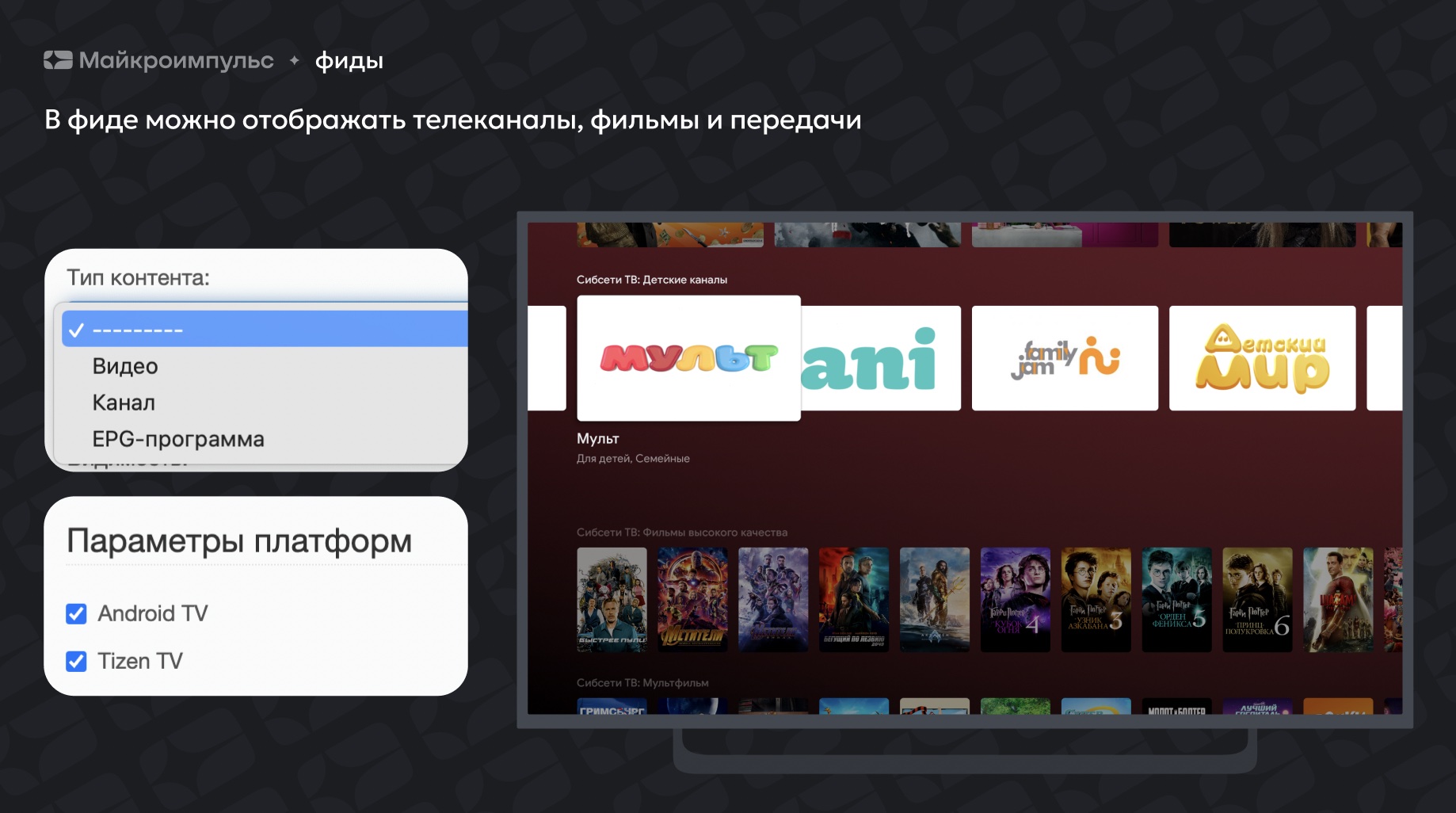
Feeds are divided into 2 types:
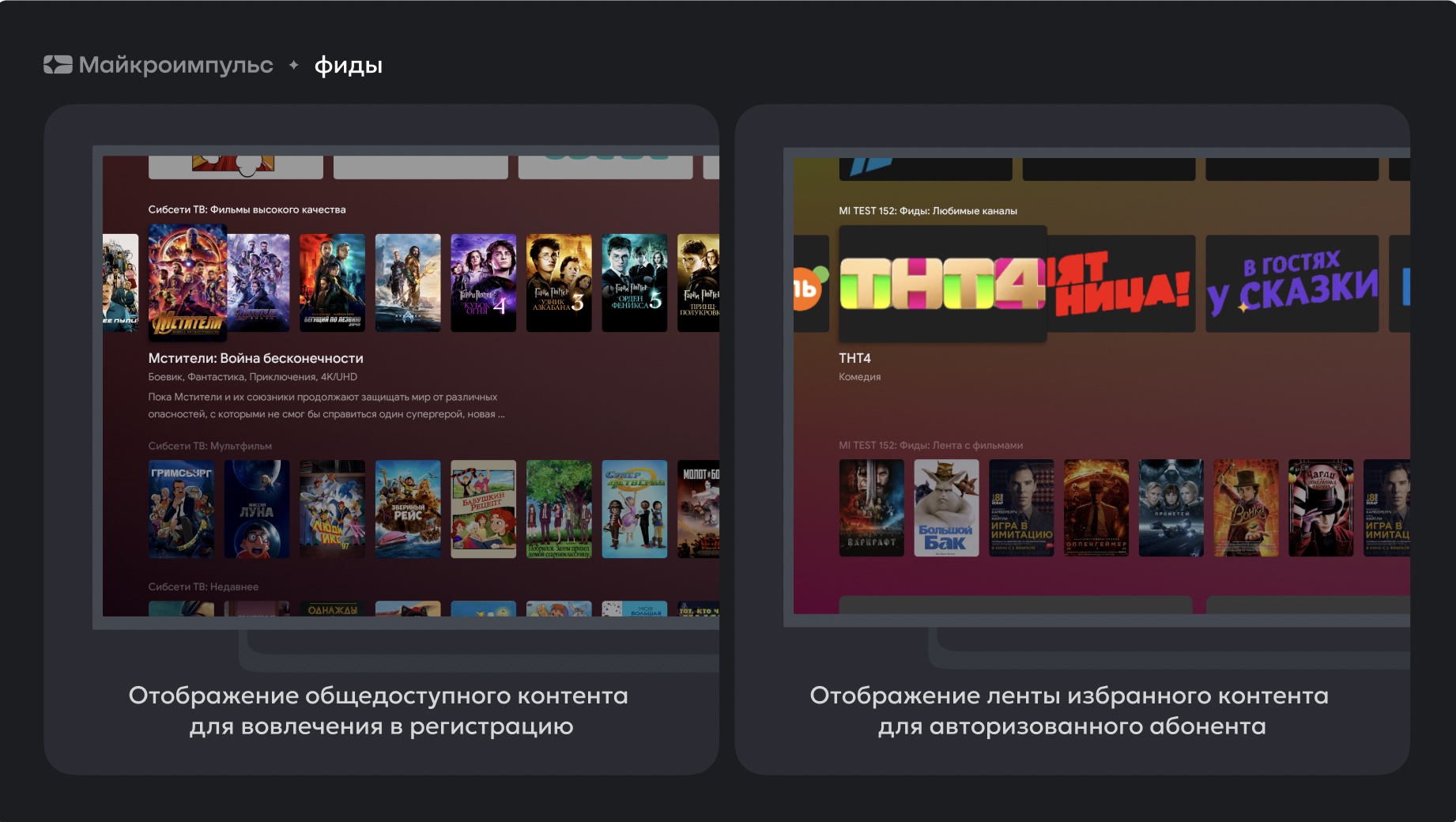
- With authorization — is a tape tied to a specific user within the application. May contain personalized content: selected, recent, recommendations. They are displayed only after the authorization has passed.
- Unauthorized — these are user-free feeds displayed prior to the first user authorization. For example: Popular, novelty, etc.
Fidow setup
Preliminary steps
- Update to version 2.0 or higher
- License update with feed module enabled
- New build of Android TV app with activated feed functionality
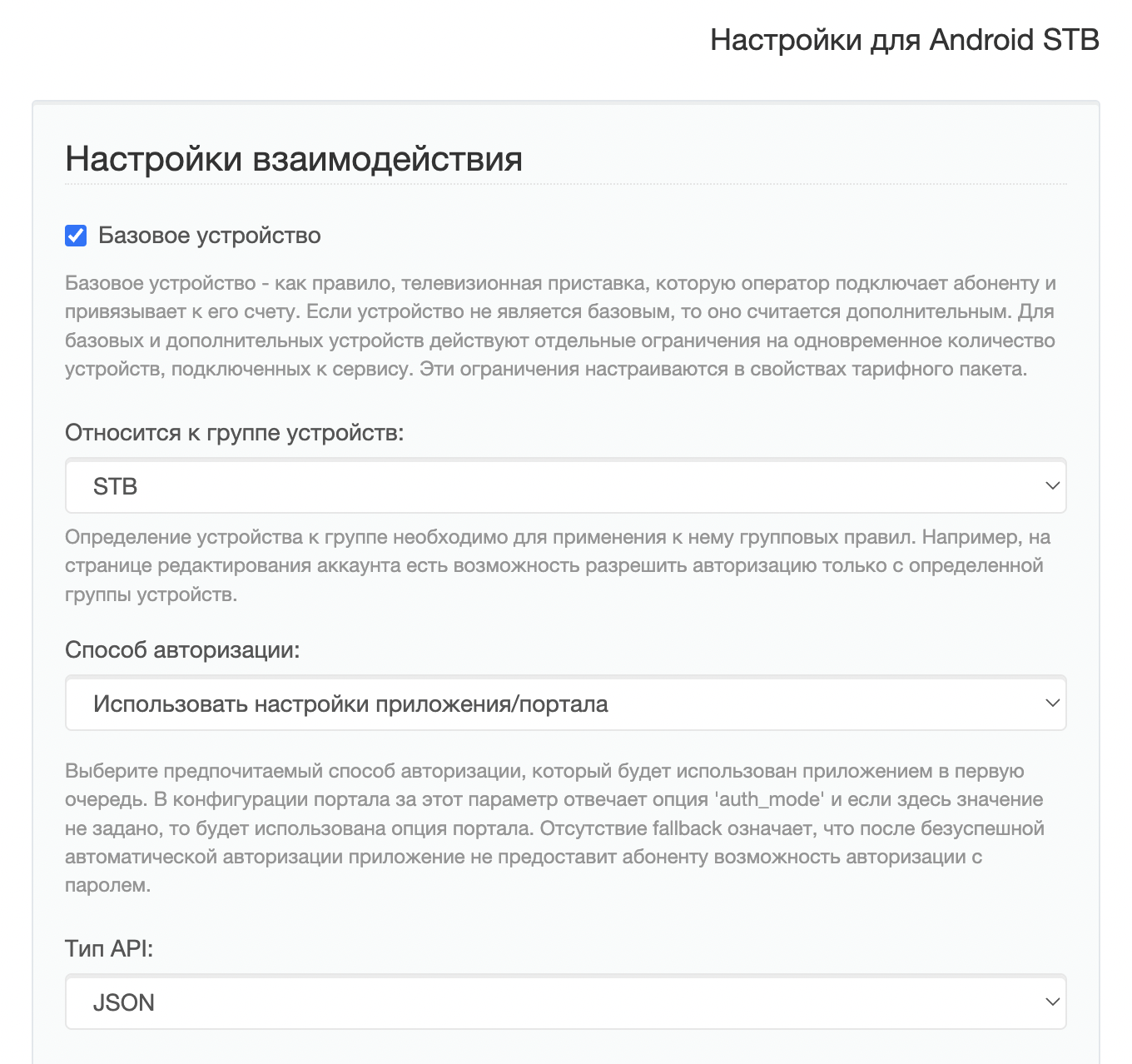
- Enable for Android TV devices in the Smarty admin type API — JSON.
Creating feeds in the admin Smarty
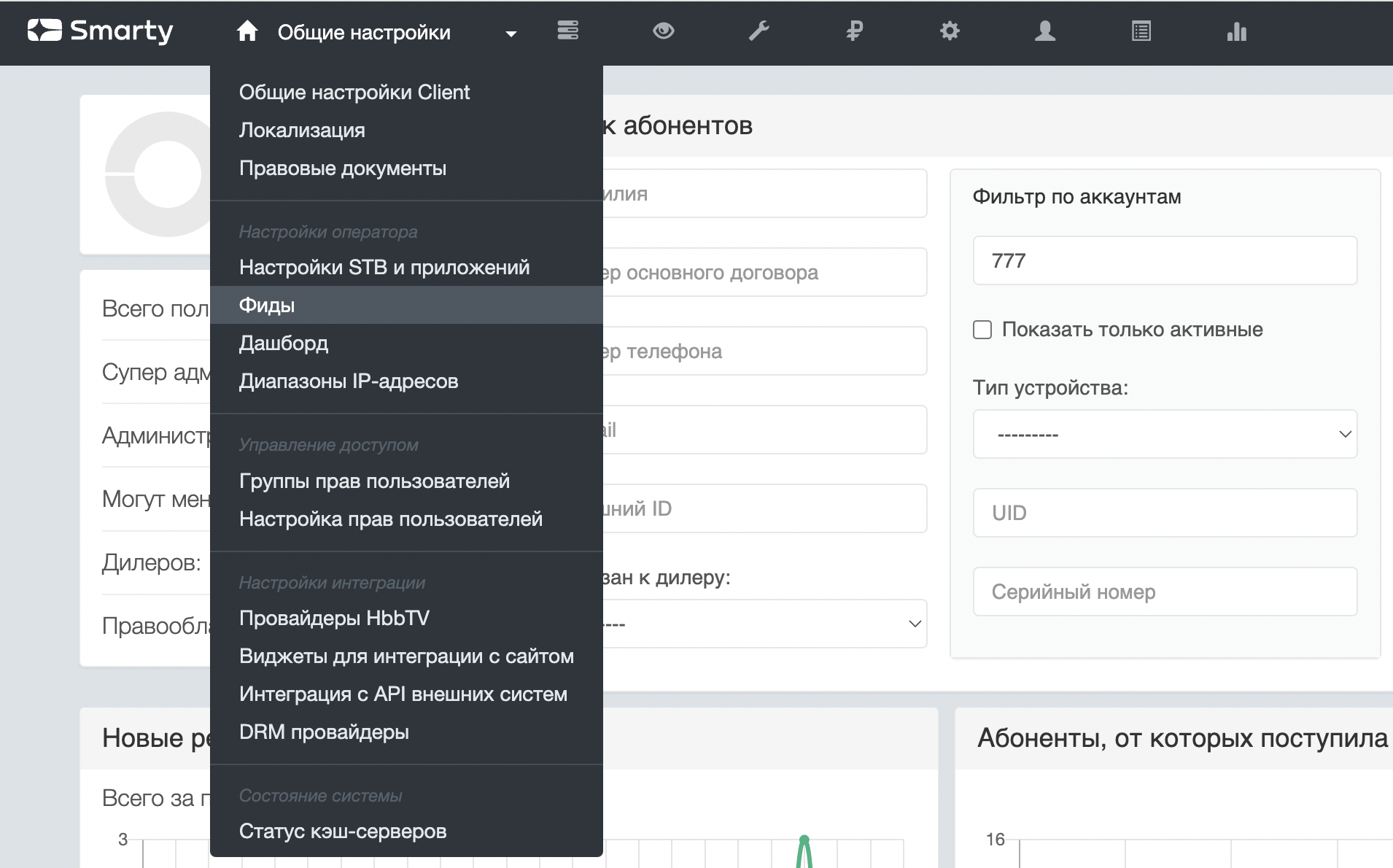
- If the preliminary steps were successfully implemented, then in the admin in the section « General settings» a new item «Fides» will appear.
2. To create a tape, you need to choose the type of content, whether it requires pre-authorization in the application and what device it is intended for (currently — these are Android TV and Tizen TV). Below is an example of setting up a film tape from the category «News»:
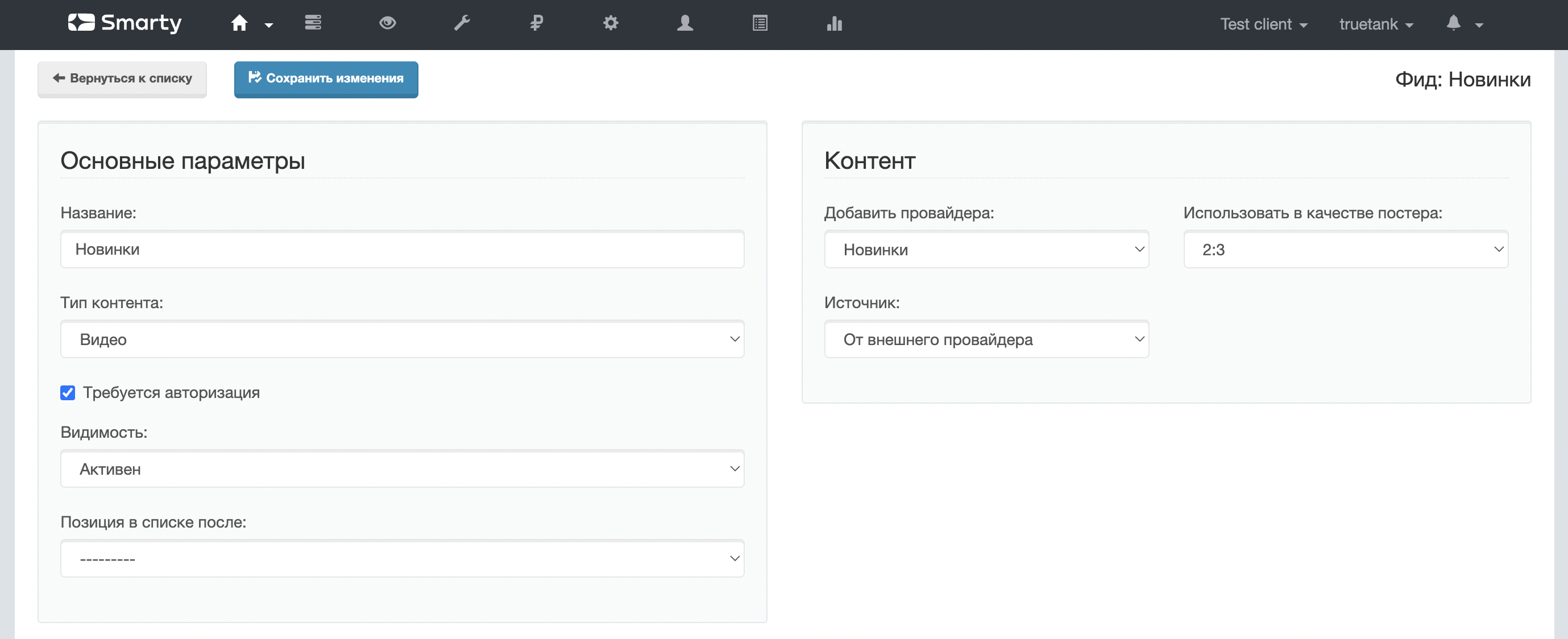
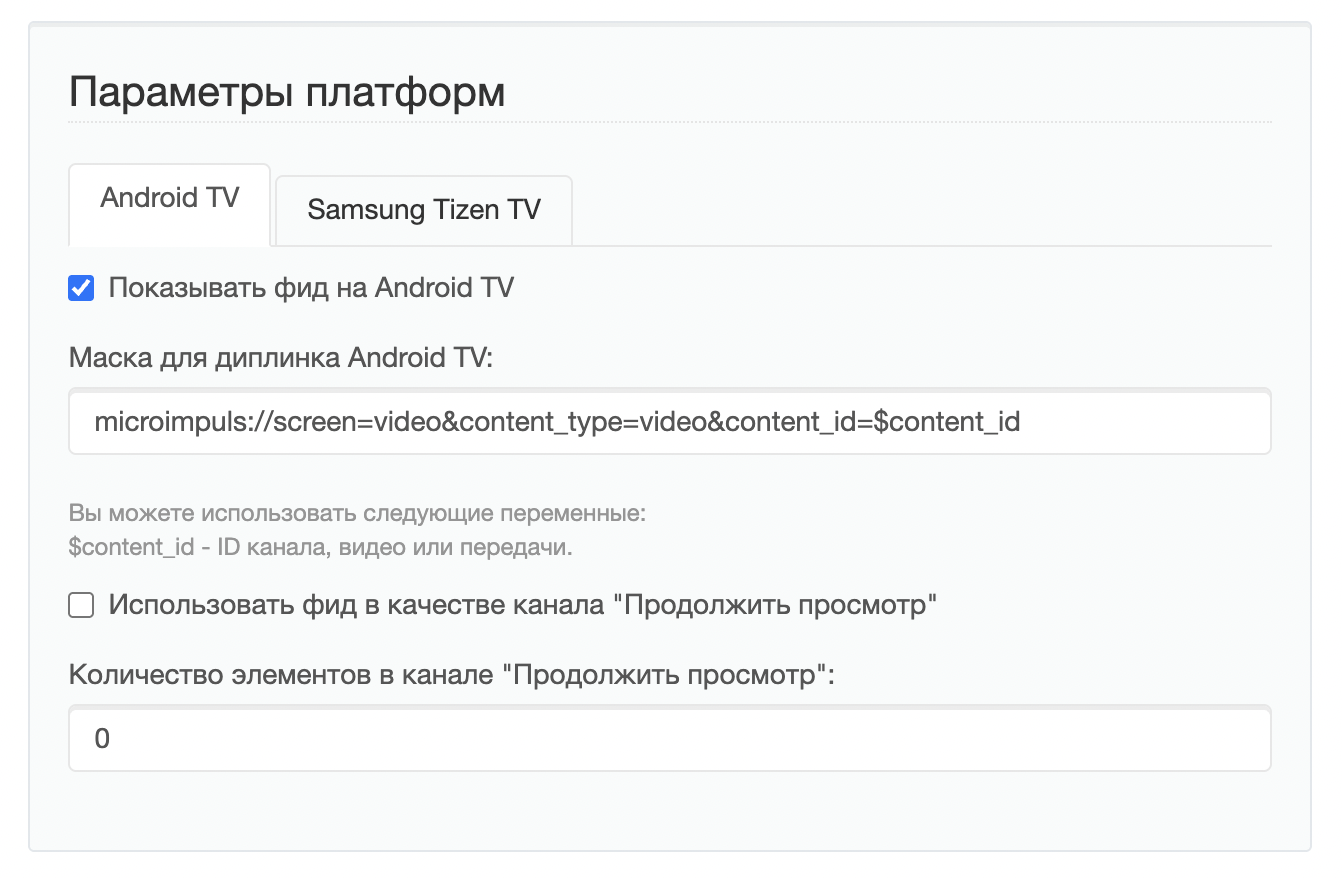
3. The mask of the dipllink is made by documentation, taking into account the variable $content id & #8212; it must be installed instead of the identifier of the channel, film or broadcast.
4. The list of available poster sizes for feed with TV channels is formed based on the option SMARTY_DEFAULT_ICON_SIZES, for feed with films — based on graphics options for films, for TV program — based on pictures given by an EPG source.
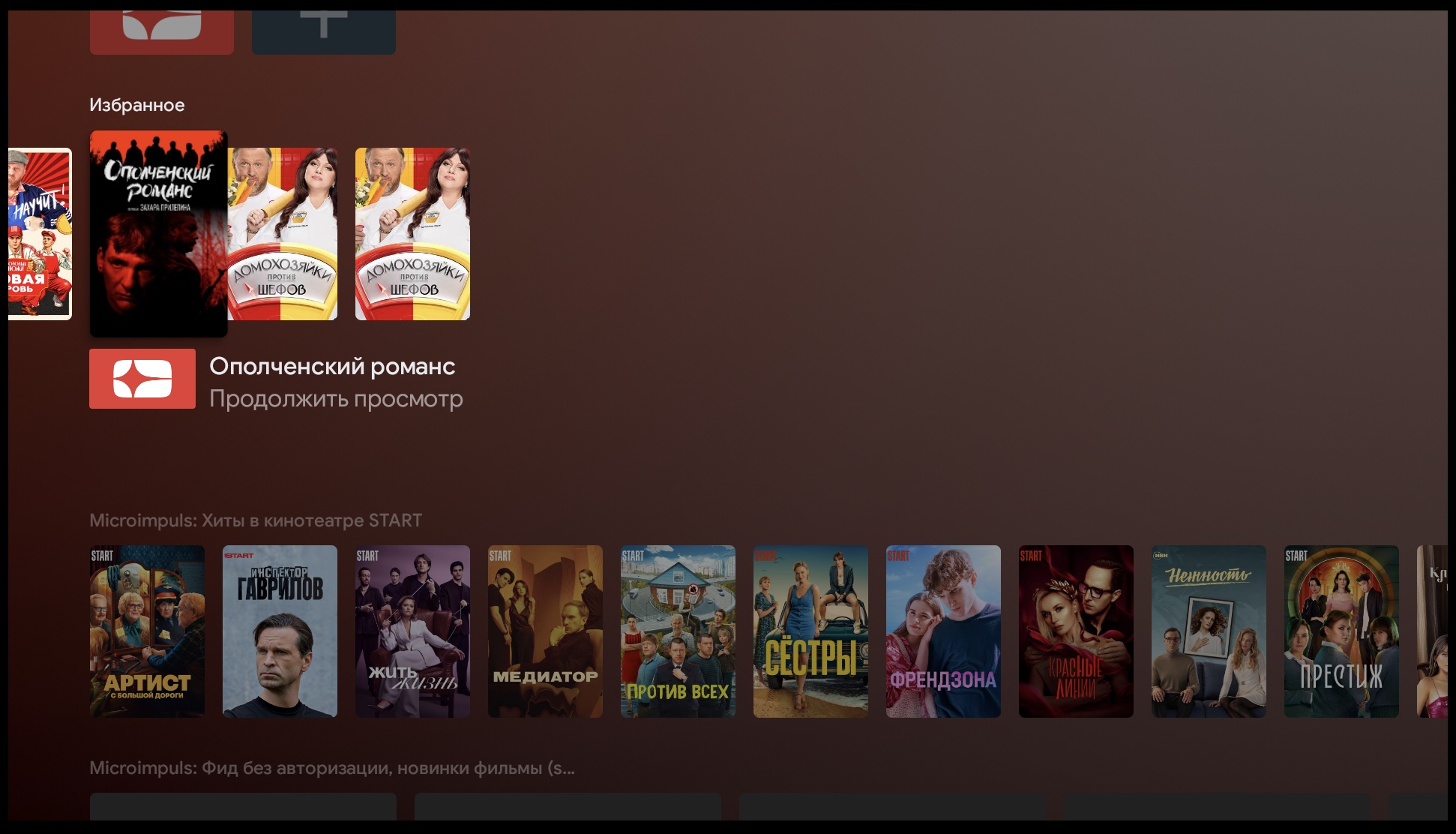
5. For Android TV, one of the feeds can be noted for use inside the shared tape «Continue viewing» (or in some firmware it is called «Favorites»). Inside this tape, the content from all the applications installed on the TV is aggregated, so for such a feed you need to put a limit on the number of given elements (in practice, we often see that applications give 3 elements to this tape).
FAQ
What interface templates support feed mechanisms at the moment?
The Futuristic and Sibseti templates implement the feed mechanism in full — when you click on the cover of the content inside the application, a page of this content will be automatically opened.
Other templates without taking into account additional improvements when clicking on the cover will simply run the application.
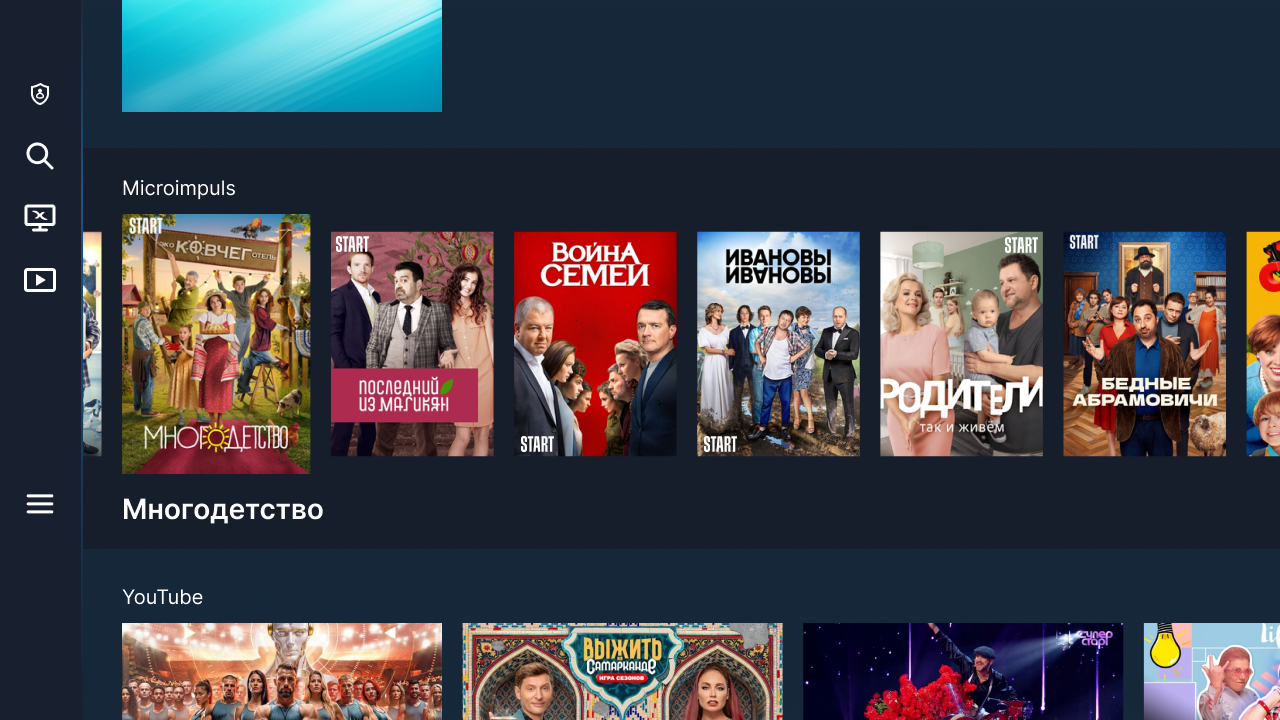
What will the appearance of feeds in Android TV look like from the subscriber’s point of view?
After updating the application to the version with feeds in automatic mode, a default Android channel will appear on the main page of the TV (the first feed without authorization). In addition, the settings will be able to add to the main and other feeds.

Why can't a diplinc work when you start an application?
- Because of the diplink's incorrect mask.
- If the content returned in the feed is not available to this particular subscriber.
In the list after authorization appear tapes that require authorization, so they become more.
Is there a difference between Android TV and Tizen TV?
Yes, there are some differences:
- on Samsung Tizen TV platforms there is no common tape «Continue viewing » for all applications, so the settings of such feeds are less
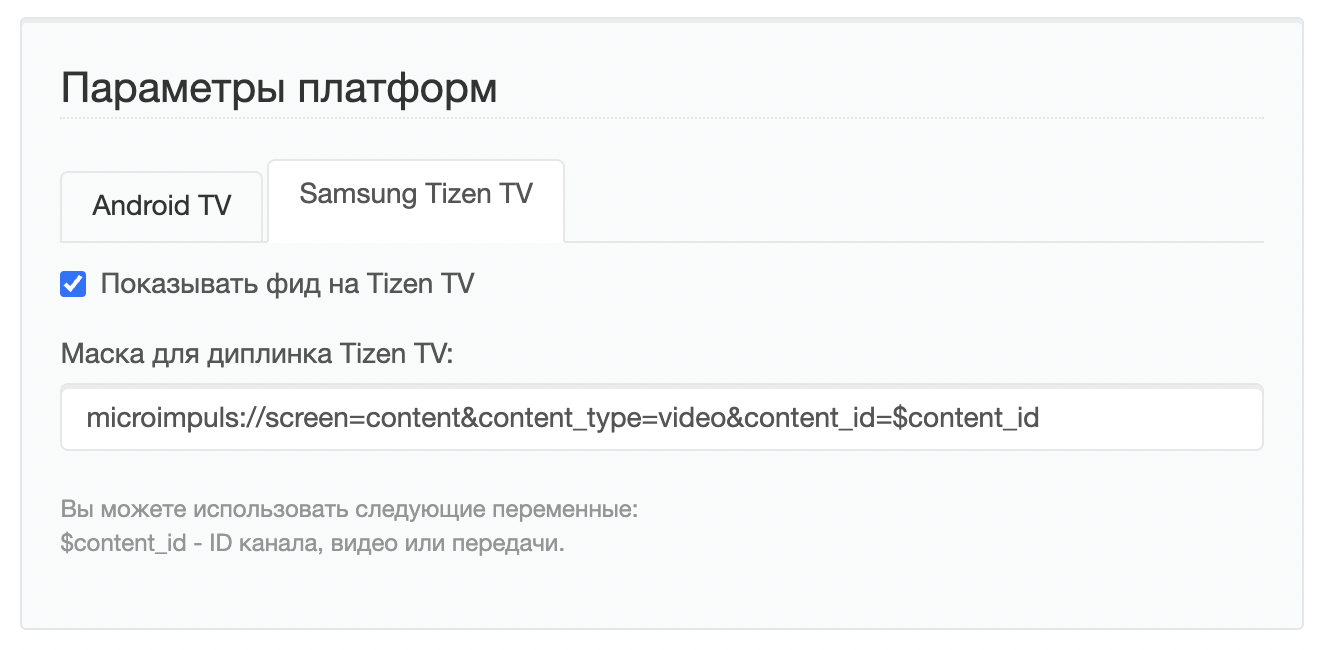
- The API for Samsung Tizen TV feed requires you to specify the time after which it expires.
FEEDS_EXPIRE_TIME — this is a Smarty configuration option that sets the time period (in minutes) after which the feed will be considered expired. Used when displaying feeds in Tizen TV. Data type: int. By default 1440.
- the appearance of the feed on Samsung TVs is different for different years of television production (and, starting from 2023, only 1 feed from each application is displayed on TVs).
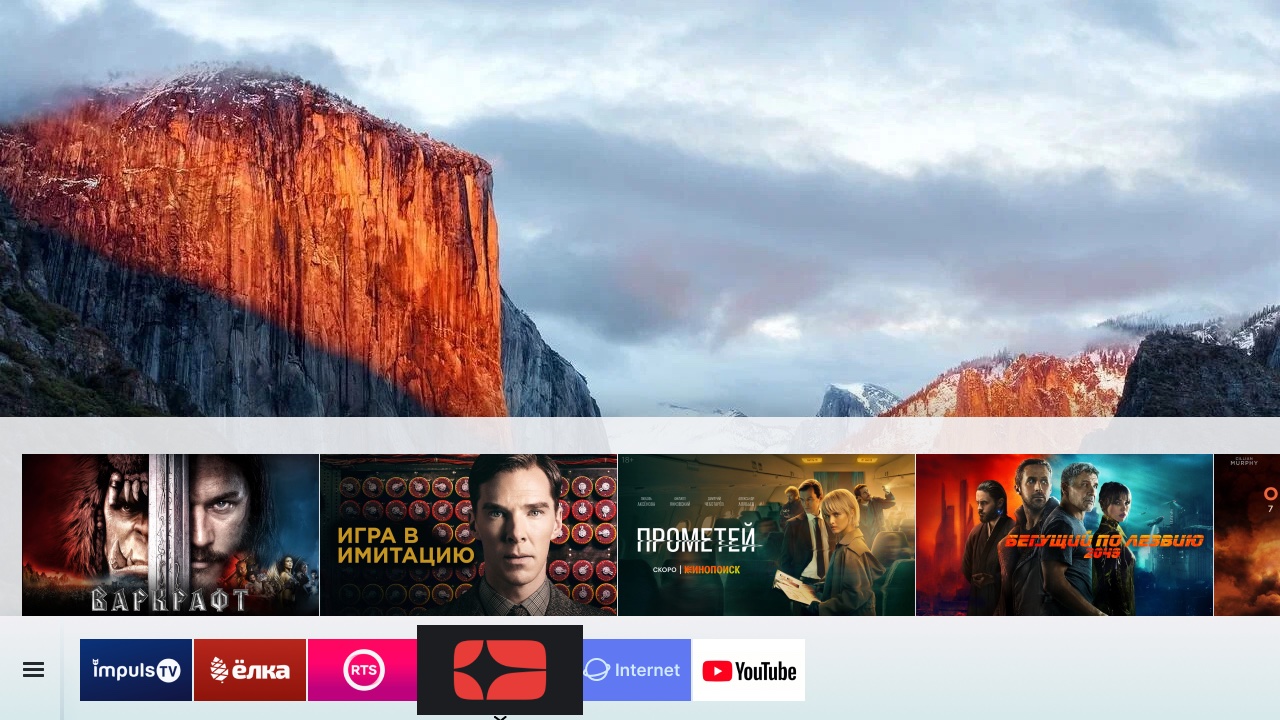
- integration with Tizen TV does not yet support tapes with authorization.
