
Technical works allow you to determine the time range during which the channels or streaming services specified in the technical works will be unavailable for viewing by subscribers.
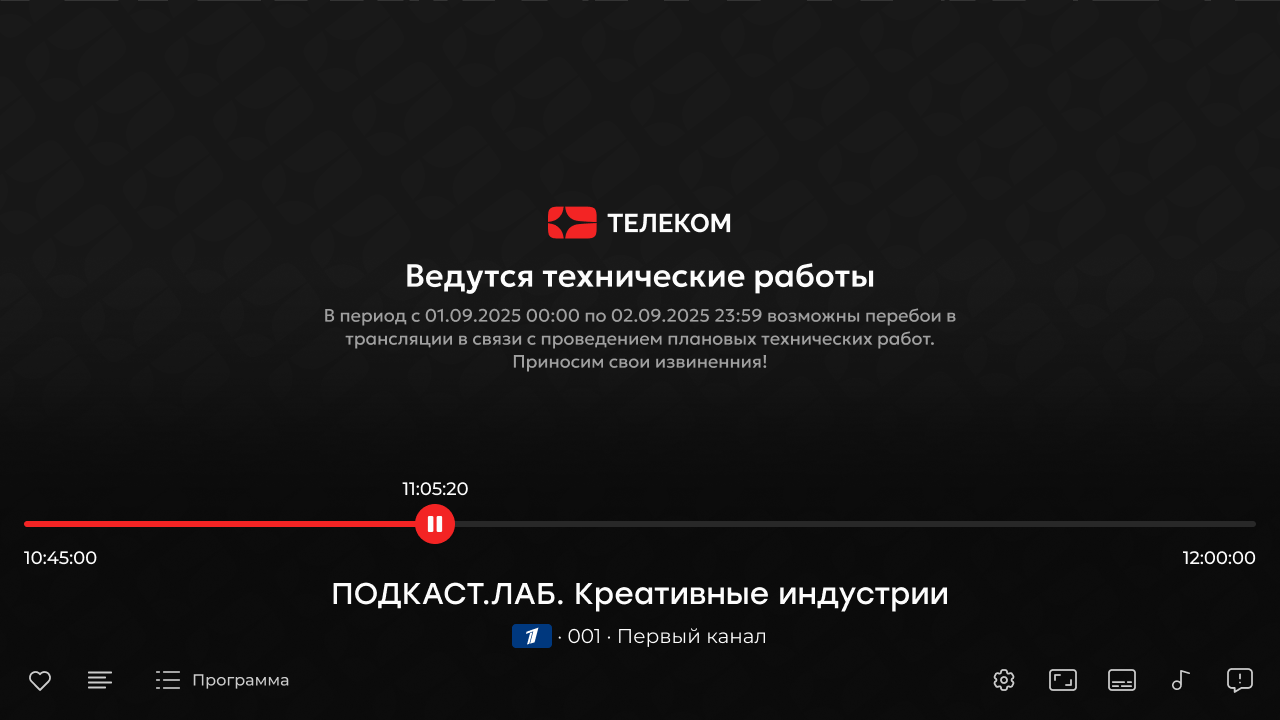
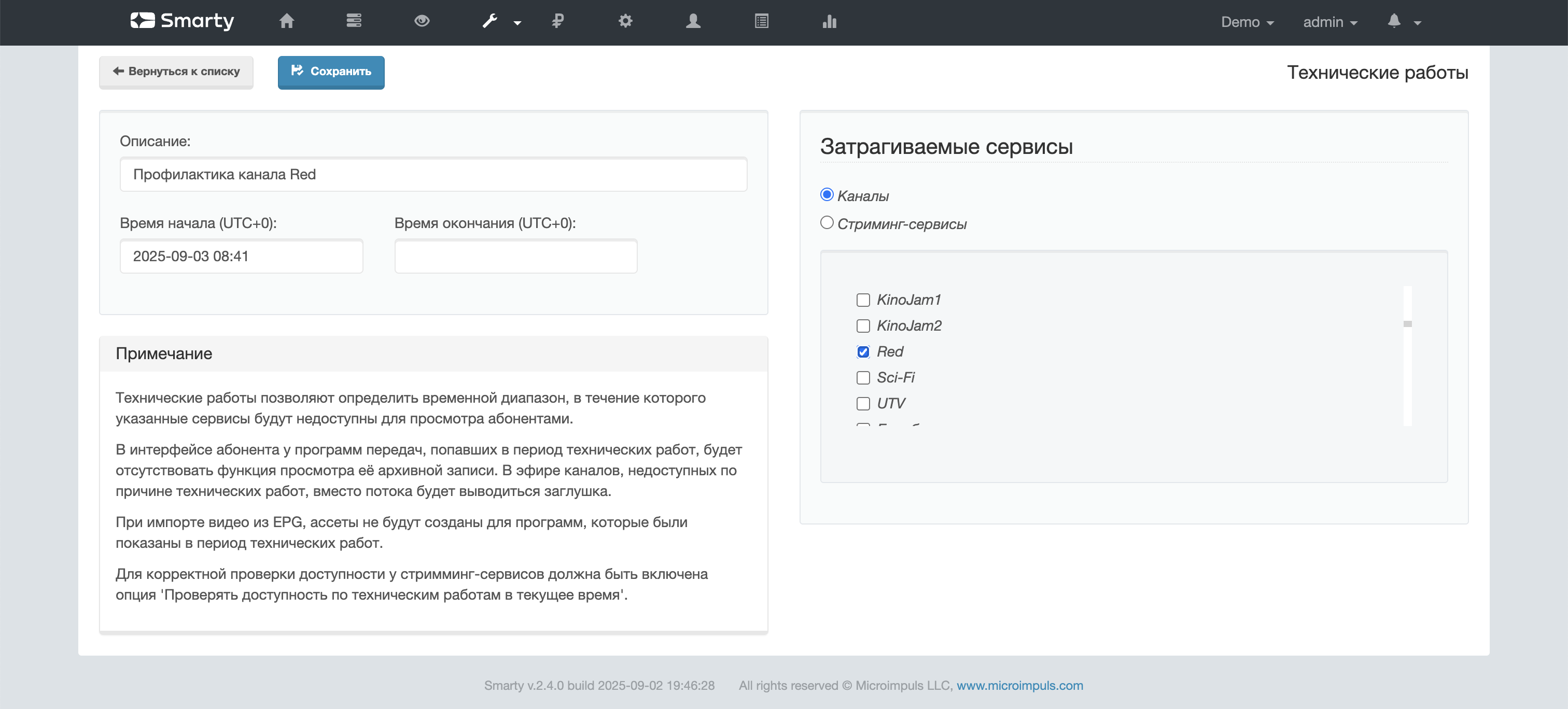
In the subscriber’s interface, programs that got into the period of technical work will not have the function of viewing its archival record, and in the air of channels that are inaccessible due to technical work, the stream-stub will be played instead of the stream. Technical works will also be taken into account when forming a video library from archival records.
In the admin if the channel or streaming service is not available at the current time, a warning is displayed at the top of the editing page.
Creation and editing of technical works
Technical works can be created and edited in two ways:
- in the administration panel in the section «Settings streaming » -> «Technical work »
- using API methods
MaintenanceCreateandMaintenanceEdit.
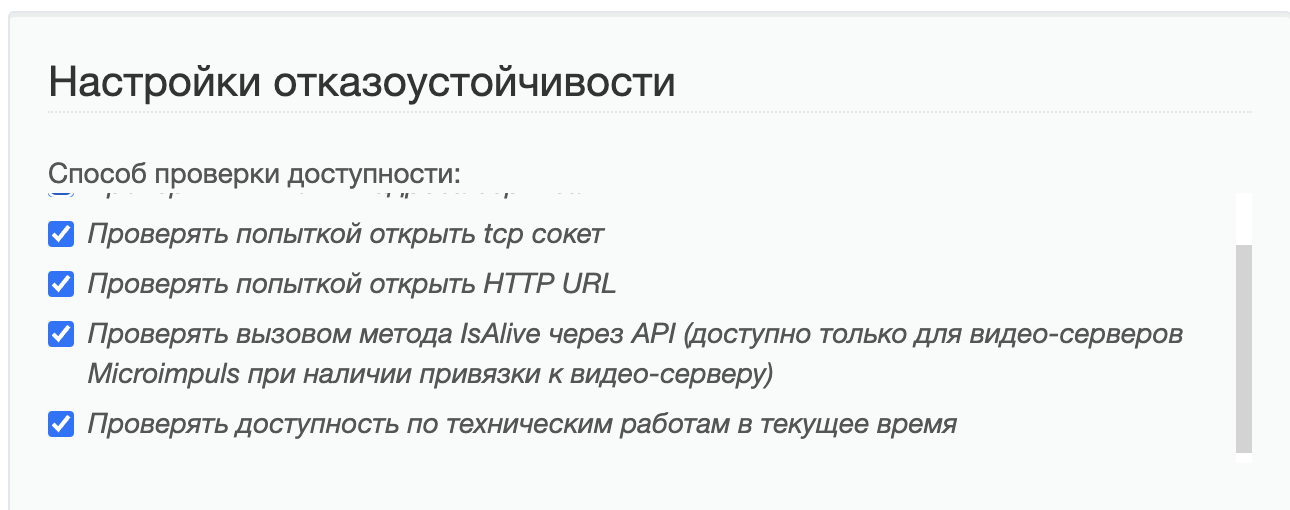
A special service team is responsible for updating the availability status of channels and streaming services check_maintenances, which receives the right to change this availability after placing the corresponding checkbox in the streaming service fault tolerance settings:
The team operates in two modes:
- if Smarty is enabled and configured with RQ (RQ)
SMARTY_USE_RQ = True), then the delayed start of the command is carried out automatically after the creation / editing of the technical work with the help ofrqscheduler(to start the scheduler, you need to execute a command.)run_rqscheduler) - if the RQ is not configured
SMARTY_USE_RQ = False), thencheck_maintenancesshould be added to the cron. Example of team launch:
smarty_manage check_maintenances --client=1 --settings=settings.The team makes the following arguments:
-client_id(number) — the client ID for which the check will take place. If not specified, the inspection will take place on all customers.
Also updating the status of availability of streaming services is carried out by the team check_stream_services. The team checks availability according to the criteria specified in the streaming service settings, including the availability of technical works.
Details of Delayed Team Launch check_maintenances (SMARTY_USE_RQ = True)
Delayed team launch check_maintenances it is carried out when creating / editing the technical work and after completing the execution of the team itself.
Conditions for creating a delayed team launch:
- Technical work takes place in the present or future;
- if the technical work occurs in the present, the deferral date is used to create the deferred task, which is calculated as follows: current time + time (in seconds) specified in the option
STREAMING_MAINTENCE_JOB_BEGIN_TIMESHIFT.
- if the technical work occurs in the present, the deferral date is used to create the deferred task, which is calculated as follows: current time + time (in seconds) specified in the option
- In the scheduler, there is no earlier start date than the start/end/delay date of the technical work.
When changing the technical work, the need to create a deferred task is checked if one of the conditions is met:
- Technical work takes place in the present.
- The start date and/or end date of the technical work has been changed.
Upon completion of the team check_maintenances determine the date and time of the next launch of the team. The next launch is scheduled for the date and time of the earliest start date or end date of the technical work, whichever is earlier.
Availability of program archival record
Archival recording of the program will not be available if one of the following conditions is met:
- there was technical work on the channel during the broadcast of the program;
- all live or PVR services of the channel during the broadcast of the program were technical work.
Cover for the channel during technical work
If at the present time there is technical work on the channel or the channel does not have available streaming services (including due to technical work), then the stream-stamp option will be played in the player in the subscriber application instead of the channel TVMW_CHANNEL_UNAVAILABLE_URI if the option is not filled, the player will be given a 404 error instead of a stream.
Video library from archive records
When executing a team make_vodpvr the video will not generate assets if one of the following conditions is met:
- there was technical work on the channel during the epg broadcast;
- there were technical works on all pvr services of the channel during the epg period.
