
In Engine 1121 and templates Titanium, Sibseti and Futuristic — integration Yandex. Metrics for analytics of Smart TV-applications, updated video directory with fast transition to categories and QR-authorization in the personal account without re-entry. Also in this release - a separate interface mode for hotel TV.
Engine 1121: Core and Analytics
- Reworked the formation
uidon Android devices: added changes to both builds and on the portal side — duplicate identifiers should no longer be. The generation method is still set by the optionandroid_uid_generation_method. All UID changes will require assembly of version 2.7.2 and higher. - Futuristic, Sibseti and Titanium templates add video viewing statistics to MiStats.
- Yandex is on. Metrics: hits, goals and ecommerce, including episodes. Works on
lg webos,android_stbandtizen tv. More about what you need metrica can be read in our blog. - Supported SDK «Showcase TV» for devices LG Webos in one of the custom templates.
Titanium 203
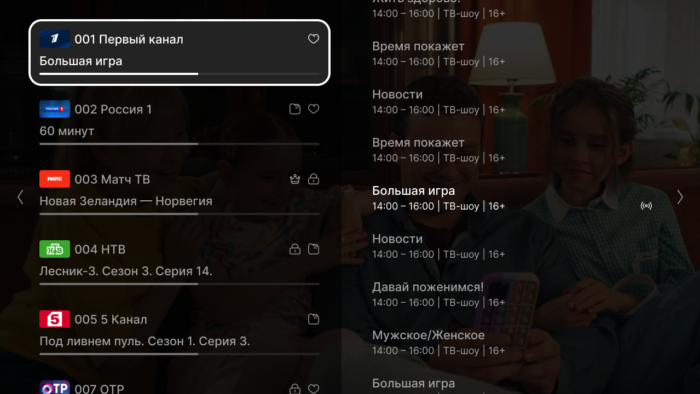
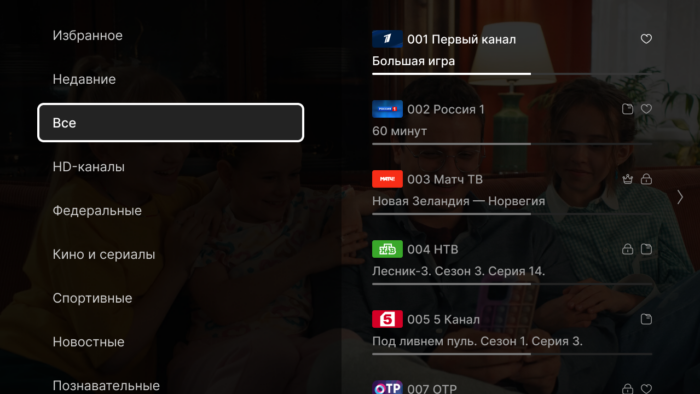
Upgrade player
- updated the infobar and settings;
- added preview screenshots during the rewinding of the archive;
- sidebar with transmissions, channels and categories.
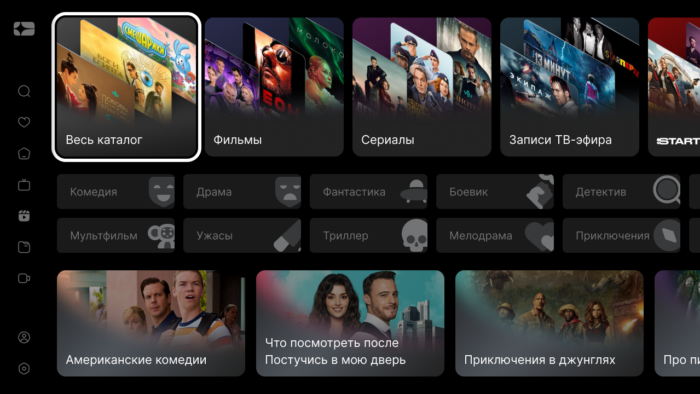
Developed a new start page of the video library & # 8212; now the subscriber already when entering the section with movies can immediately fall into the content category of interest. This screen immediately responds to several requests:
- how to watch all the movies of a particular provider?
- how do i see all of the children’s content?
- how to maintain quick access to filtering by genre?
- where in the interface to find collections of films from different providers?
The new screen works in conjunction with film categories from Smarty 2.12.
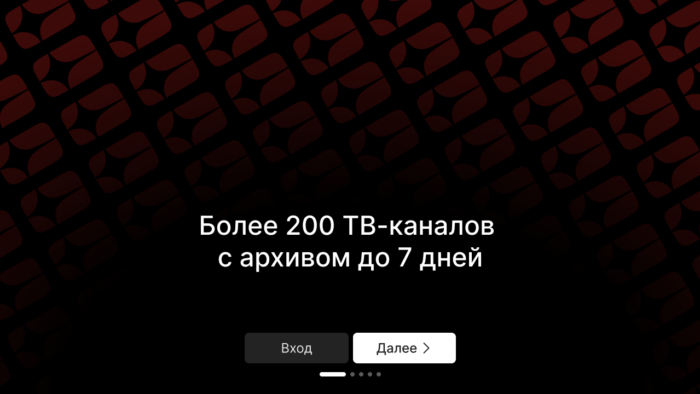
Installation instructions
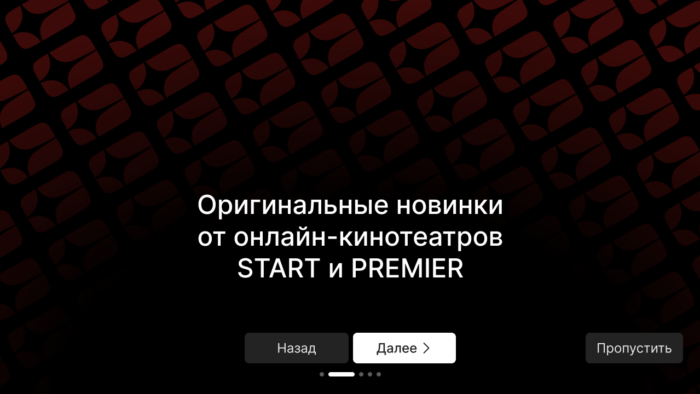
Added to the template already familiar functionality of displaying instructions after the first launch of the application after download, in which you can arrange both blocks with advantages and instructions for using the interface. Included in option show_setup_intro.
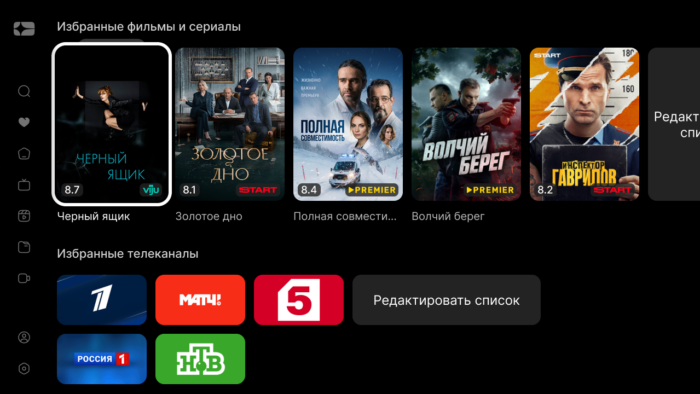
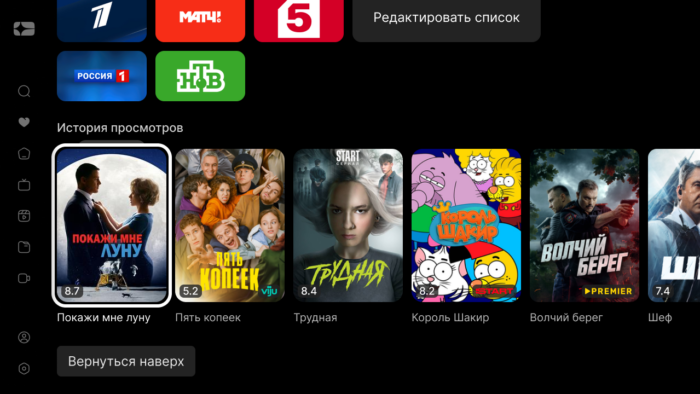
«My collection»
Category «Favorites» in the video directory transformed into a screen «My collection» — here are located not only selected films and channels, but also the full history of views.
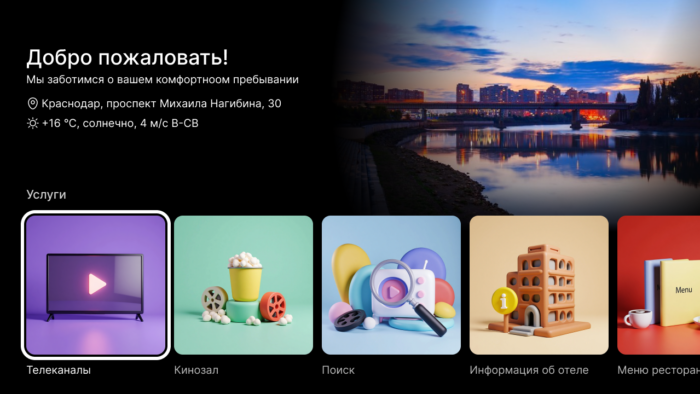
Hotel accommodation
As we've already told you in articleIn the template appeared a new mode of the main screen, designed for hotel TV. The content tapes and the left drop-down menu are replaced with a ribbon with the main sections and widgets necessary for hotels: weather, address, advertising hotel services and attractions of the city.
How to set it up, described in manual.
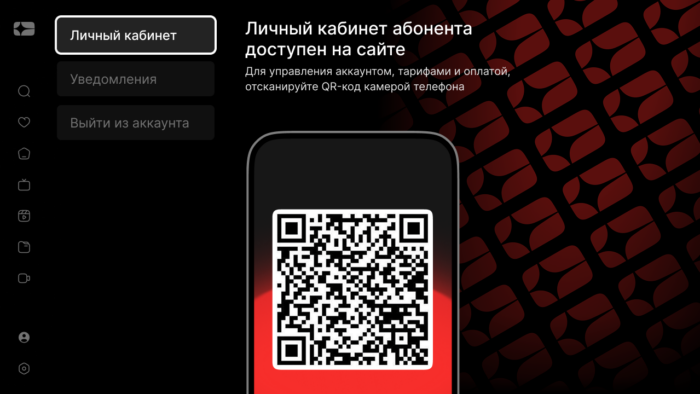
With the help of our new microservice for generating and processing images, we have developed the ability to display a unique QR code for each subscriber instead of LC, into which you can sew any data available in the application: device uid, authorization token, login and password and other subscriber data & # 8212; thanks to this, after scanning the QR code, the subscriber does not need to re-authenticate in the operator’s LC.
Optimizing posters
With the help of the same microservice, optimized content graphics for the home screen for a more pleasant response on low-performance devices were added. Included in option pp service url.
Smart search
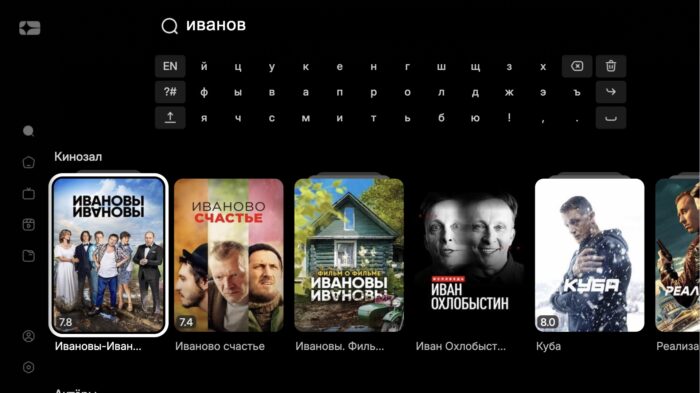
Implemented in the template the ability to search using a new microservice smart search.
Customization elements
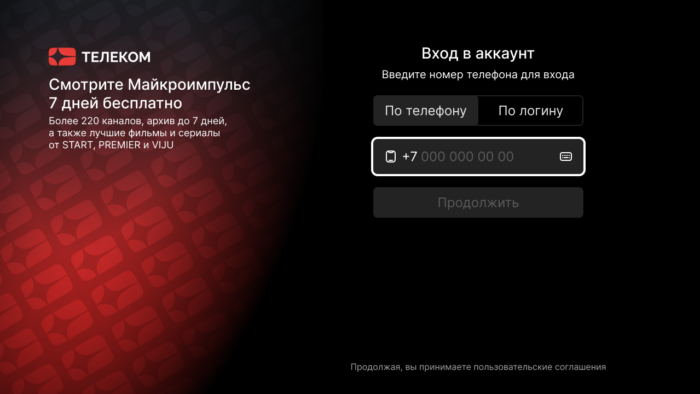
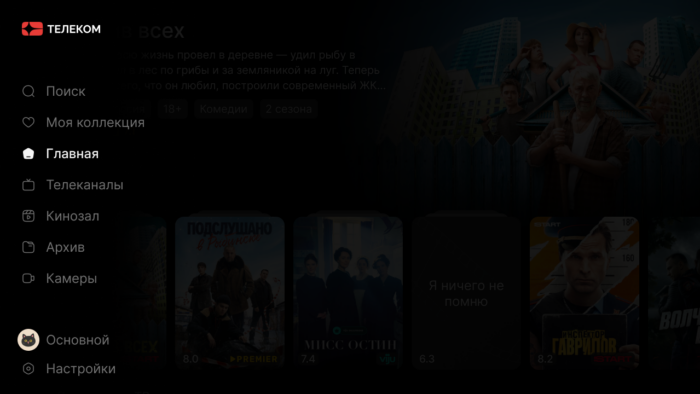
At the request of our operators added several new features for additional branding interface:
- operator logo in the drop-down left menu;
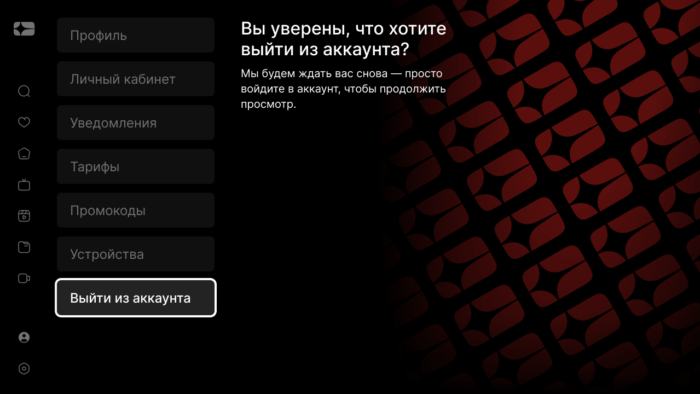
- branded backgrounds in LC and on the authorization screen.
Other
- The number of elements in the dashboard tapes is now set by the option
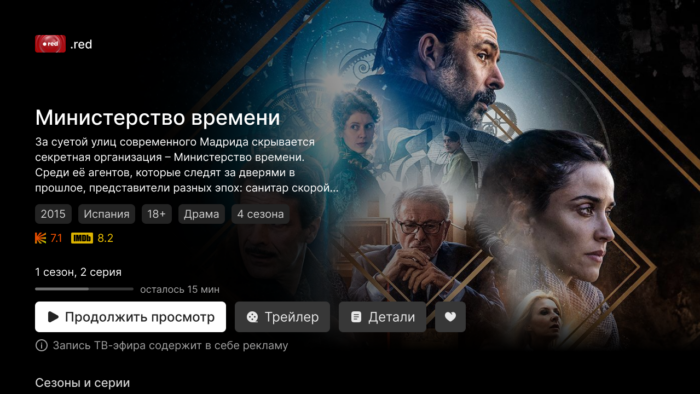
dashboard tape limit(integer, default 17). - On the card of the archival film shows the channel from which the recording was made, and a note about advertising.
- Fixed a bunch of small unpleasant bugs of the new interface associated with navigation and updating information.
Sibseti 889
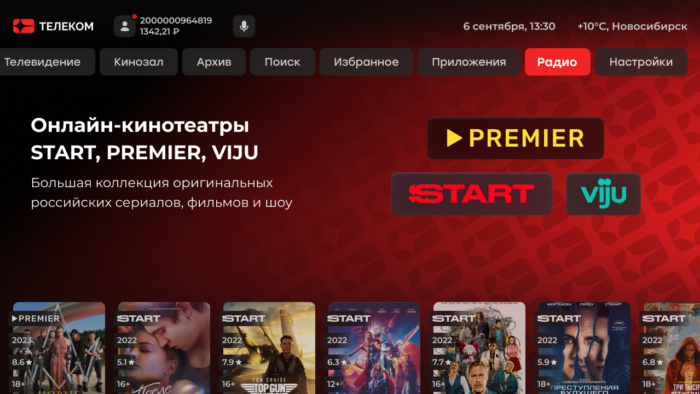
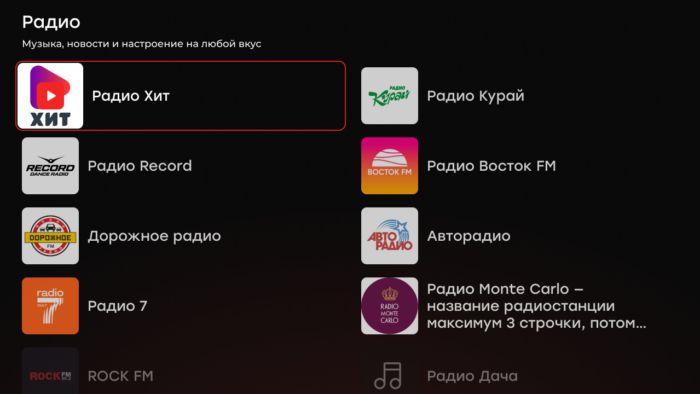
- In the main menu added a new section «Radio».
- In the video library and in the archive there was a filter by the source of the video. Display is enabled by option
show filtering by provider.
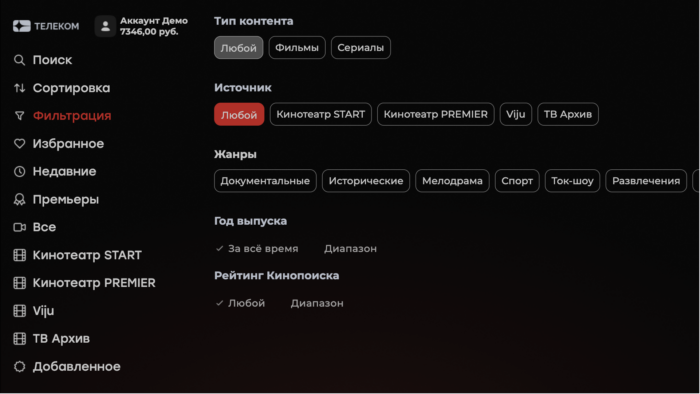
- With the new option
main video tape election idnow you can display on the main screen a special selection of the operator, not just genres.
Futuristic 1075
- In the login field, you can enter letters - option
is_letter_in_login. - When on
stop_player_on_screen_showingthe top bar of the main menu is no longer hidden by the infobar auto-hide timer. - Exiting the settings with the menu button again shows the pop-up language change.
