
Transition to your own IPTV platform: a step-by-step plan for the operator
Launching your own IPTV/OTT service under your own brand seems like a voluminous task and not very clear: where to start, in what order to make decisions, what you can take ready, and what you will have to do yourself. In practice, the path is divided into several consecutive steps – and each has forks, which determine how much time and money it takes to launch.
This article is about the practical side of the question: what decisions the operator has to make at each step and what to pay attention to so that the launch does not turn into a long project with unexpected costs.
Contents
- Assessment of the current situation: audience, devices, billing
- What are the components of the platform
- Transfer of the existing subscriber base without stopping the service
- Branding of interface and applications
- Publication of applications in Smart TV stores
- Monitoring and completion after launch
- Platform with development potential
- Checklist before kickoff
- FAQ
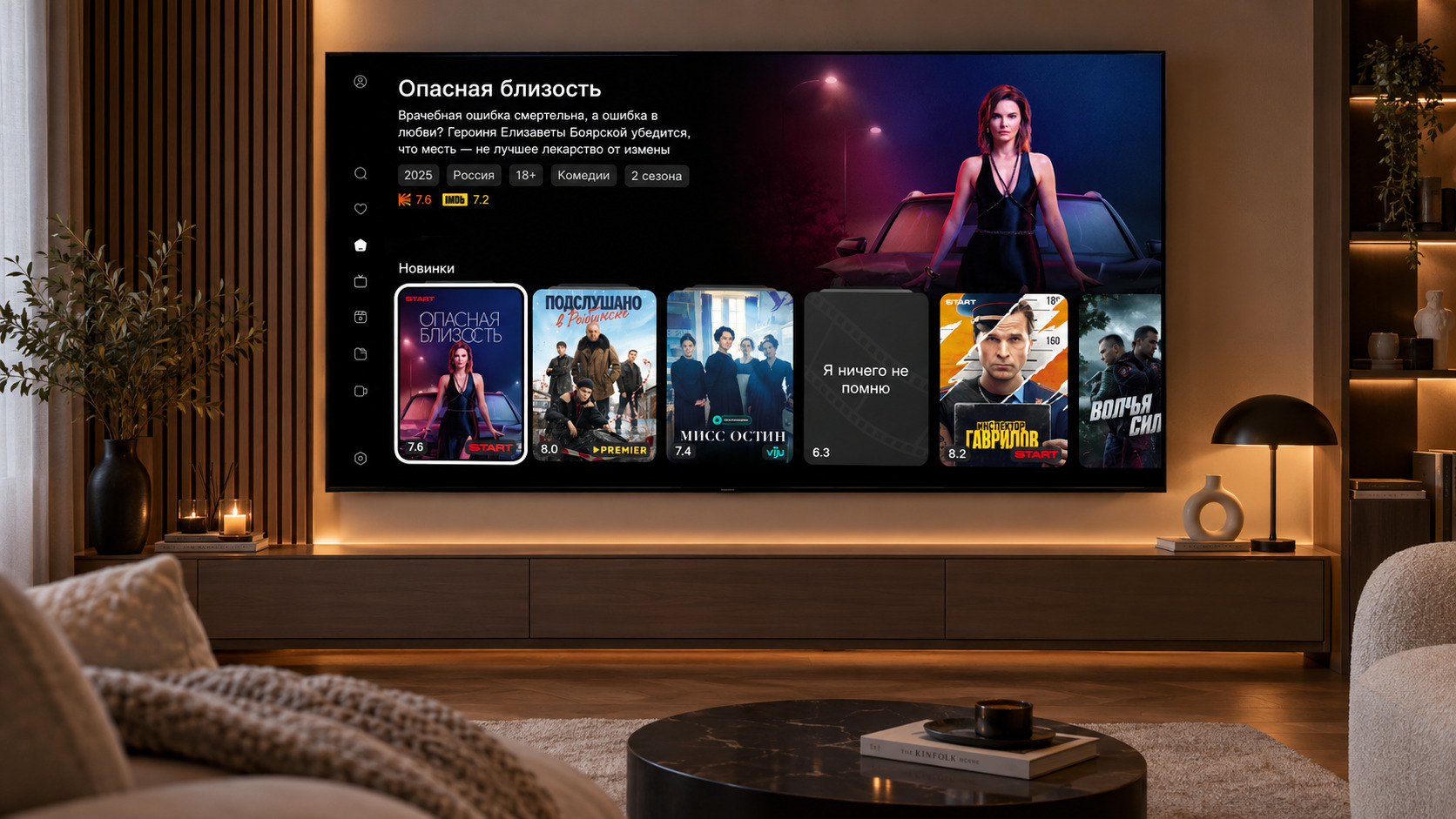
Step 1. Assessment of the current situation: audience, devices, billing
Before choosing a platform, it is worth honestly answering a few questions about what the operator already has:
- Subscriber base and device park. The architecture and launch strategy depend on this picture, so it is worth starting with an audit: what exactly subscribers are watching today. Two fundamentally different scenarios are possible here.
- If most people are looking at their devices Smart TV and Android consoles – the new application will be distributed only through app stores, and the operator does not manage the fleet of devices directly. In this case, you should look for a platform with the widest possible support for devices: not only those that are sold in stores today, but also models ten years ago, which are still in the works of subscribers.
- If subscribers are watching on camera consolesIt is worth calculating the economy of two options: to launch the application of a new platform on these consoles (if they are supported in it) or to lay the budget for updating the park. Sometimes replacing devices is more profitable than supporting outdated hardware, but it depends on the number of subscribers and the cost of consoles.
- How current business processes are organized. Billing, tariffs, content management, promos – it’s worth doing an audit and understanding which of these processes the new platform can improve, rather than just migrate as before. Opening up new monetization models, automating what is now done manually – it is logical to use the launch of the platform as a growth point, not just as a technical replacement.
- Geography of service. In which territories it is planned to develop: one region, several, the whole country, foreign markets. A number of decisions depend on this – whether different localization of the interface and content for different regions is necessary, whether a separate content policy for each territory is required, whether there are plans to launch several brands for different audiences within the same platform. For example, one set of channels and one language is enough for one region, and several may already be required multi-brand separation of services within one installation.
- Model installation. Where the platform will live: on the operator’s own hardware (on-premise) or in the vendor’s cloud using a subscription model. On-premise gives you complete control over your infrastructure and data, but requires your own capabilities and competencies to support it. The cloud removes these tasks from the operator, but means dependence on the vendor and regular payments. The choice depends on the scale, the availability of your IT team and how critical control over the infrastructure is.
- Content issues. What exactly and how will be delivered to subscribers – this block is directly linked to the fleet of devices and determines the requirements for the platform.
- Delivery method. Is there enough multicast on your own network or will you need a CDN to deliver over the Internet? Whether transcoding is necessary also depends on what devices subscribers are watching and what formats they support.
- Content protection. Whether there are copyright requirements or internal policies requiring the use of DRM and other protection tools If the content is licensed, this issue will have to be closed before launch.
- A set of interactive services. What services are planned and in what volume: Live broadcasting, Timeshift, Catch-Up, VOD, video surveillance, radio. The functionality of the platform and the volume of integrations with external systems depend on this.
Having collected the answers to these questions, you can proceed to the next step - the choice of platform architecture.
Step 2. What are the components of the platform
The set of basic components of the IPTV/OTT platform in the market is approximately the same. The difference is what additional modules and microservices the platform offers beyond that minimum. Below is an overview of the components: from the obvious to those that make the service more modern, functional and different from competitors.
Basic components without which to build an IPTV service:
- Middleware The core of the platform responsible for content management: channels, EPG, tariff packages, subscription access management, archival records, video library, as well as a bundle of all other components among themselves.
- Client applications - what the subscriber sees: Smart TV (Android TV, Tizen, WebOS), mobile applications, web version, consoles (STB). For your own service, it is important that it is a branded assembly that can be published in markets on behalf of the operator.
- Video server Reception, transcoding and stream delivery: Live TV, archive, VOD. Here -- CAS/DRM to manage access to content and protect against unauthorized viewing. From the video server depends on the behavior of the service in prime time, when thousands of subscribers watch simultaneously.
- Billing - commercial logic of the service: tariffs, one-time purchases, promotional codes, integration with the billing system of the operator.
- Monitoring Early detection of problems on the source side, CDN or specific device models before the subscriber writes in support.
Components that make the service more modern and functional:
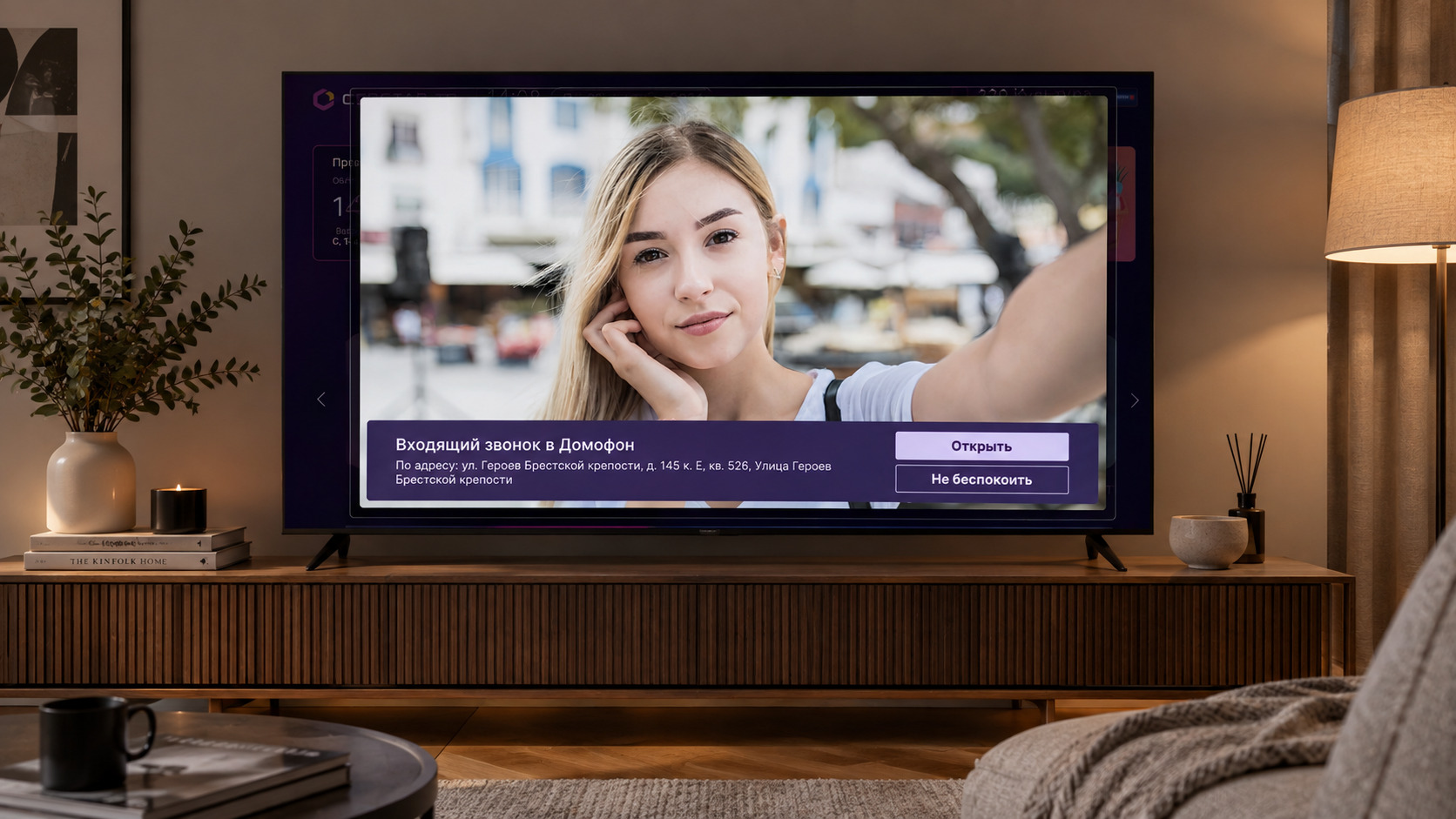
These are modules that are not required to run, but determine how user-friendly the service will be and how long it will remain competitive.
- Integration with external services - online cinemas, advertising providers, television measurement systems, payment gateways.
- New generation authorization modules - entrance by QR code, one-time codes, seamless authorization between devices.
- Smart search and recommendations - search for content taking into account the context and compiling personal selections.
- Behavioral and televised analytics - data on the basis of which you can customize tariffs, promo and content grid.
- Integration with the operator ecosystem - withdrawal of surveillance cameras, door opening directly from the TV screen, the subscriber's personal account.
- Additional services radio, weather, links to external applications within the interface.
The general principle here is as follows: the basic components are taken ready and tested under load, and a set of additional modules shows how much the platform vendor invests in its development. A good sign is when new features and microservices appear regularly, rather than one-off to launch. If the platform does not develop, in a year or two, the service will begin to lag behind the market, and it will either have to be modified by third-party teams or changed.
Step 3. Transfer of the existing subscriber base without stopping the service
If the operator already has a working service on another platform, changing the platform is not a start-up from scratch, but a migration. And here the cost of error is higher: the subscriber should not notice a pause in the service or lose access to content.
If the service is launched from scratch, there is no migration as such, but this does not mean that this step can be missed. Instead of transferring the base, you need to think about the user’s way of getting into the service: how the subscriber learns about it, how he gets into the application, how the authorization passes, how he connects the subscription. The whole path should be simple and automated – there should be no manual operations between the operator’s subsystems (billing, LC, support) and the platform, which the employee will have to perform for each new connected account.
When it comes to moving an existing base, migration is rarely instantaneous. In practice, it is divided into several parallel tracks:
- Running a new portal or application on old devices. If a decision is made to launch a new service on an already existing fleet, you need to think in advance of a transparent updating process: for operator consoles it can be provisioning or network reconfiguration, for client devices (Smart TV, Android consoles) – updating through the markets, which takes more time and depends on whether the subscriber updates the application himself. In the latter case, the migration base should be laid more time and provide scenarios for those who have not updated.
- Transfer script subscriber base. Transferring accounts, rates, and subscriptions from the old platform to the new one must be automated – manual transfer of even a few thousand subscribers is unrealistic.
- Seamless authorization. The subscriber does not have to re-register or enter data – when a new application is first launched, he gets into his profile with saved tariffs and settings.
- Controlled switching process. Migration is gradual, with monitoring at every step: you can see how many subscribers have already been transferred, how the devices behave, whether there is an increase in errors. This allows you to stop the process at any time without disaster.
The key issue for the platform at this stage is not an abstract “support for migration,” but rather an abstract one specific phase-shift tools and experience with already discontinued devices. This is where surprises often occur.
Step 4. Branding of interface and applications
Branding comes in different depths – and this is one of the forks at which you should decide in advance on the budget and timing.
Basic level - service name, application icon and operator logo. This is enough for the subscriber to see that the service belongs to his operator, not a third party company. This level closes quickly and does not require large investments.
Deeper level Adaptation of the interface to the operator’s brandbook: color palette and other elements of corporate identity. Here we are talking about how the service looked like a continuation of the brand, and not as a third-party application with a pasted logo.
Maximum level - custom development of application screens for a specific operator. This is the most expensive and longest way, and it is justified when the operator has unique scenarios or a strong brandbook that you want to move to the interface one to one.
Separate from the depth of branding is the question of the quality of the interface itself - and here it is important to find a balance between several, sometimes conflicting requirements:
- Convenience for different age groups. The audience of the TV service is heterogeneous: for some subscribers, large elements and simple navigation scenarios are familiar, for another part - denser grids and quick access to content. The interface should work for both.
- Different devices. The same interface looks different on a large Smart TV screen, on a console with a remote and on a smartphone. Navigation logic and element sizes need to adapt to each device, not just scale.
- Modern trends. The application should not look outdated in a year or two: it is important that the visual style and interaction scenarios correspond to what the subscriber is used to in other services.
- Monetization scenarios. The interface is not only about convenience, but also about income: where closed content is shown, how fares and additional services are promoted, how noticeable promo blocks are. All this is embedded in the structure of the screens.
A good example of this balance interface Titaniumready-made, load-tested screens, which are configured under the operator’s brand and include tools for promoting content and services right in the interface structure.
Step 5. Publication of applications in Smart TV stores
A separate and often underestimated stage is the introduction of a branded application to Smart TV app stores and mobile platforms. Every market has -- Samsung Apps, LG Content Store, Google Play, RuStore, Huawei App Gallery, Xiaomi Apps - their policies, their guidelines and their requirements for design. The list of app marketplaces for devices can go on and on, and in each of them the rules may differ.
Moderation is not a formality: applications are rejected due to incompatibility with individual TV firmware, and updates can wait weeks for approval.
So that this stage does not last for months, you need a separate expertise: understanding the requirements of each market, preparing metadata and graphic materials, preliminary testing on different models of devices. This work can be carried out on your own, or you can transfer to the team of the platform developer - in the second case, the risk of refusal to moderate is much lower, and the time between the finished product and the first paying subscriber is shorter.
Step 6. Monitoring and completion after launch
The launch is not the final point, but the beginning of operation. After the start, it is important to see how the service behaves under real load and how subscribers use it.
Level one technical monitoring: tracking the load on iron (servers, video servers, database, communication channels), plotting on the basis of logs. This allows you to notice in time where the infrastructure is approaching the limit, and plan scaling in advance, rather than by the fact of failure.
Level two marketingWhat subscribers watch, what tariffs and selections are in demand, how different segments of the base behave. Based on this data, tariffs, content selections and advertising blocks are adjusted – already on the fact of the real behavior of the audience, and not on assumptions.
To collect and analyze this data, we use our own module MiStats it collects statistics of views and automatically generates collections of popular content for the interface.
Step 7. Platform with development potential
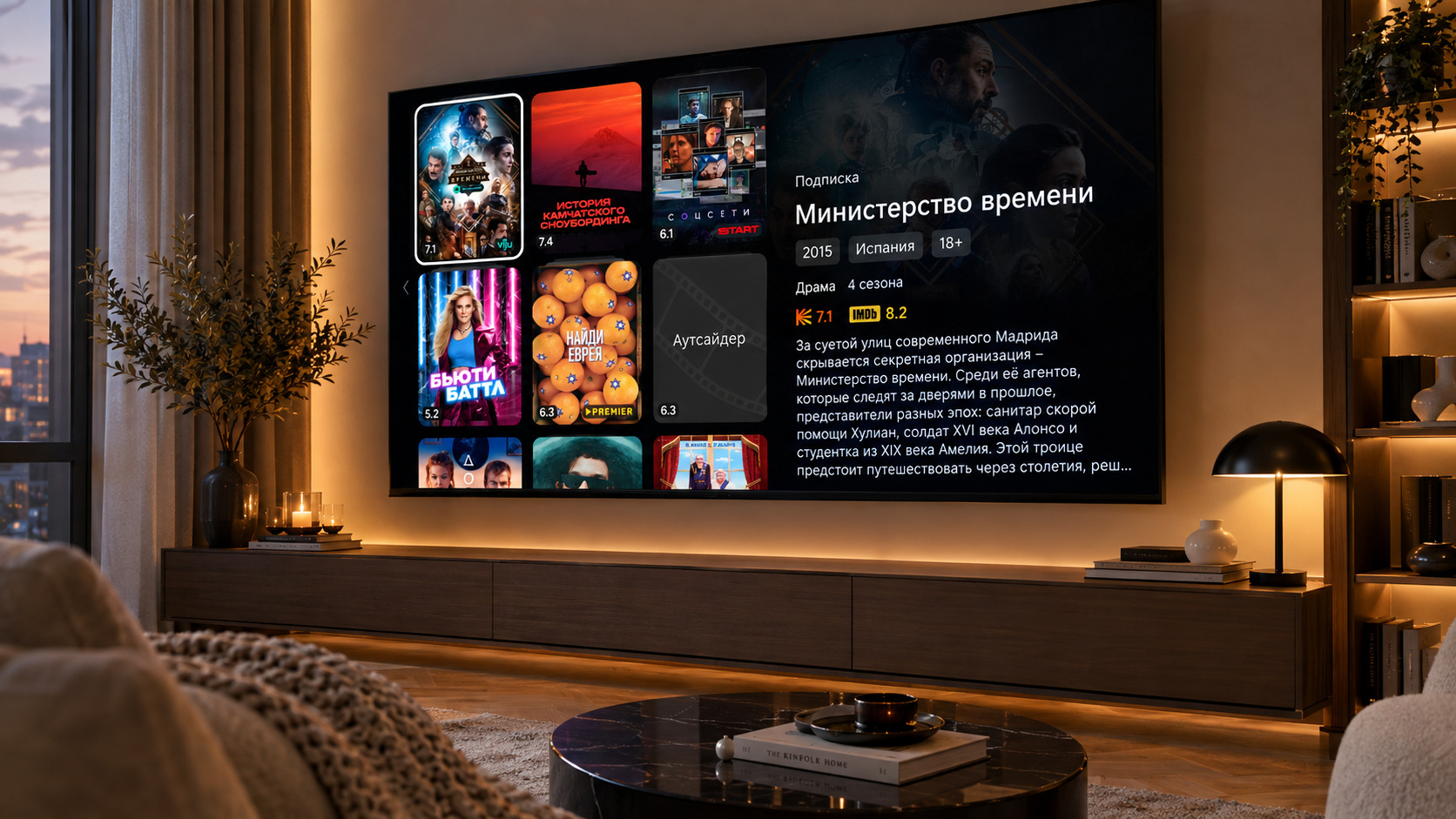
Own service is a long-term investment, and the platform for it is not chosen for a year. In order not to have to change the decision again after a while, the platform should have a margin of development in several areas.
- Technical scalability. The subscriber base will grow, and the platform should grow with it – due to clustering, load distribution, geographically distributed servers. It is important that the expansion is planned, and does not require an emergency replacement architecture when you reach a certain number of subscribers.
- Marketing tools. The service should not only be launched, but also constantly developed: promote content, test tariffs, launch promotions, build up the base. To do this, the platform should give the operator tools – banners, collections, push notifications, promo mechanics – and not require a third party to change the application for each.
- Updates and vendor support. Technology does not stand still, and the platform should remain modern: receive updates, support new devices, develop functionality. It is important that the platform vendor releases regularly and provides technical support - otherwise, in a few years, the service will again be on an outdated solution.
Checklist before kickoff
- [ ] Base and equipment audited
- Geography and brands defined
- [ ] Installation model selected
- [ ] Content issues closed
- [] The composition of the platform components is clear
- The path of the subscriber to the service is thought out
- [] The depth of branding is defined
- [ ] Responsible for publication in the markets appointed
- Monitoring and analytics set up
- [] Platform development reserve checked
FAQ
What IPTV platform to choose for a telecom operator?
Look at three things: device coverage (including legacy consoles and Smart TVs of different platforms), component composition (middleware, video server, billing, monitoring) and a set of additional modules that make the service modern. Separately – on how regularly the vendor releases updates. For example, all of these criteria meet the Smarty platform from Microimpuls.
Is it possible to run an IPTV service on older consoles?
Yes, if the platform supports such devices. Smarty from Microimpuls works on both modern consoles and models discontinued (Amino, Sagemcom, ADB, GDC, Infomir/MAG, Eltex, Dune). For operator consoles, the update passes through provisioning or network reconfiguration, for client (Smart TV, Android consoles) - through application markets.
How to transfer subscribers from the old IPTV platform to the new one without losing the base?
Through step-by-step migration: automated account, tariff and subscription translation script, seamless authorization and controlled switching with monitoring at every step. Microimpuls has experience migrating to Smarty, including from legacy platforms and with a fleet of consoles discontinued.
How to publish an operator app in Samsung Apps and LG Content Store?
Each market – Samsung Apps, LG Content Store, Google Play, RuStore, Huawei App Gallery, Xiaomi Apps – has its own policies, guidelines and design requirements. Publication can be carried out on their own or transferred to the team of the platform developer. Microimpuls accompanies operators at this stage, from preparing metadata to testing on devices.
How is an on-premise IPTV different from a cloud solution?
On-premise is a platform on the operator’s own hardware: full control over the infrastructure and data, but you need your own capabilities and competencies. The cloud is a subscription model on the resources of the vendor: fast launch without capital costs, but dependence on the vendor and regular payments. Microimpuls’ Smarty platform is available in both models.
More examples of what this path looked like for different operators - in the section "Projects» microimpuls.
