Updated interface Futuristic X for Smart TV: dashboard, cameras and intro-setup
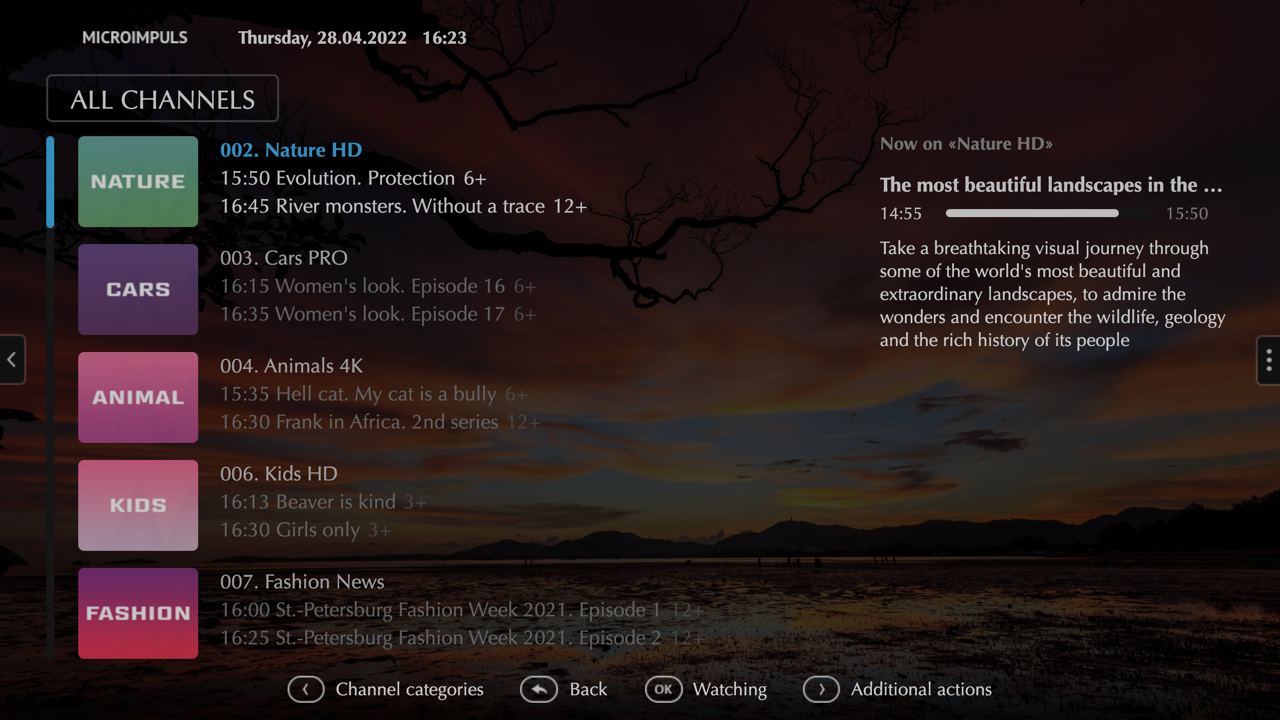
The Futuristic X Smart TV application interface has recently received a number of important changes. Updated sections will be shown in detail.
Main page
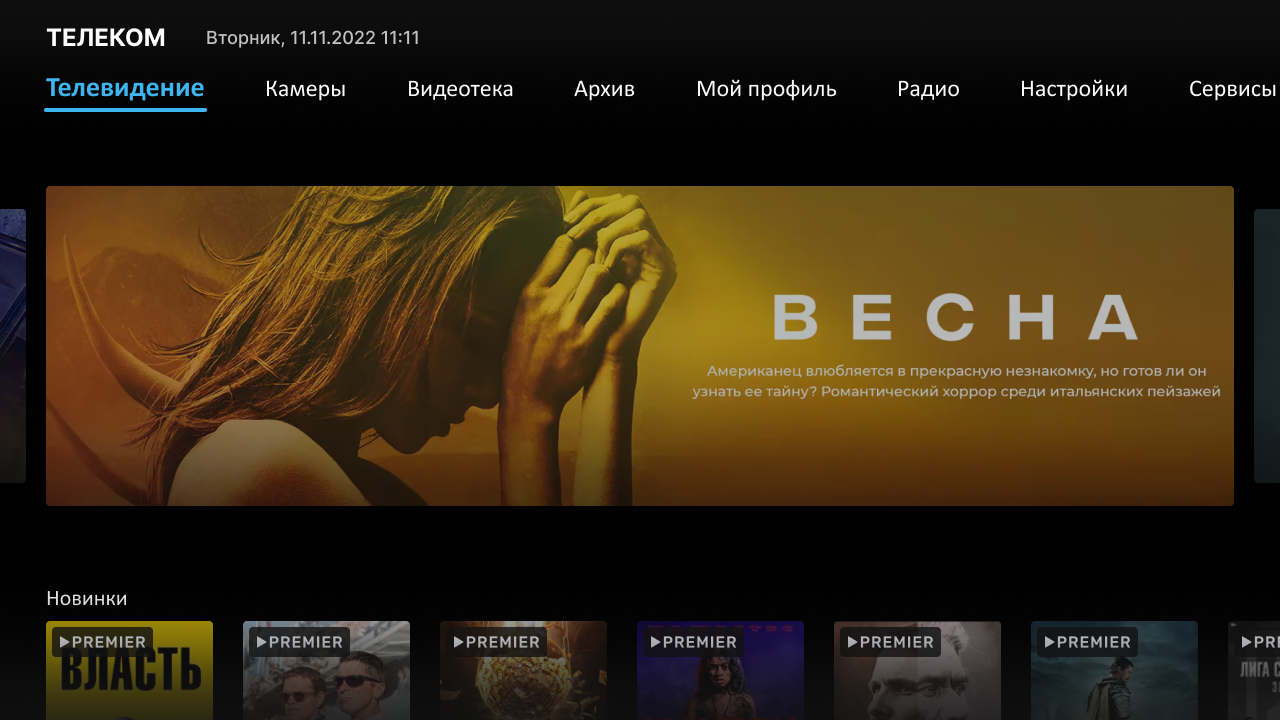
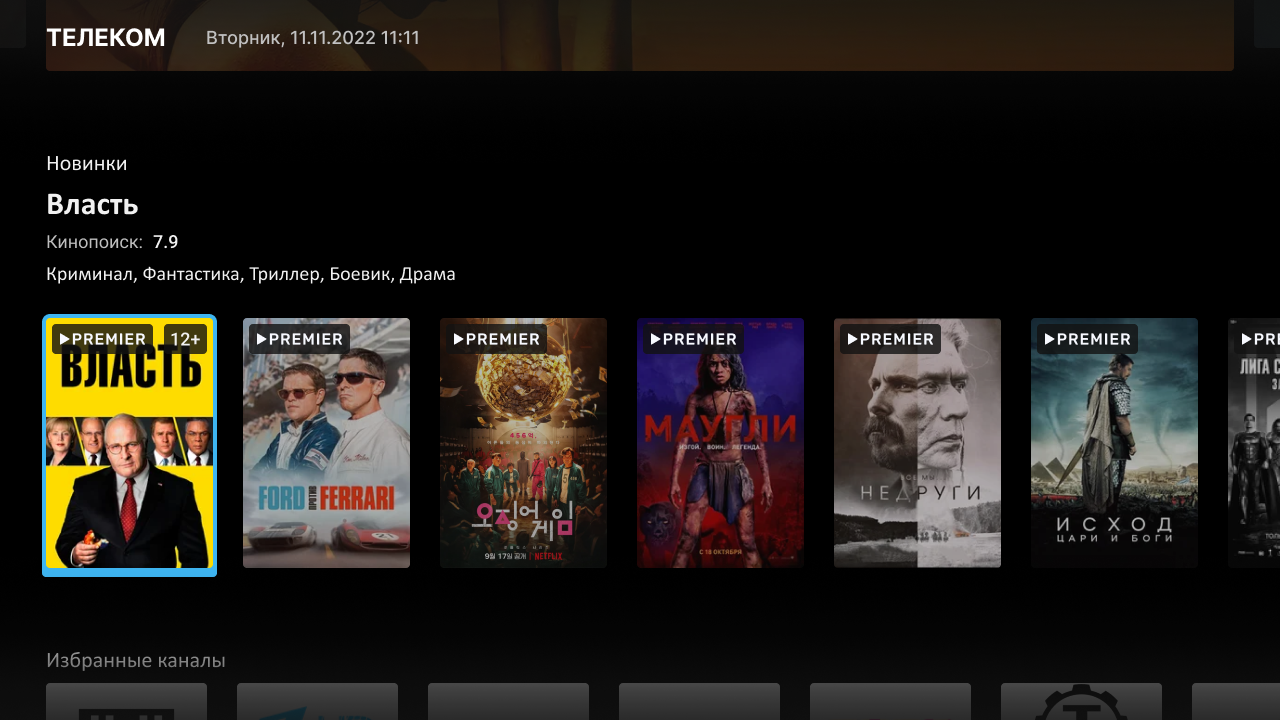
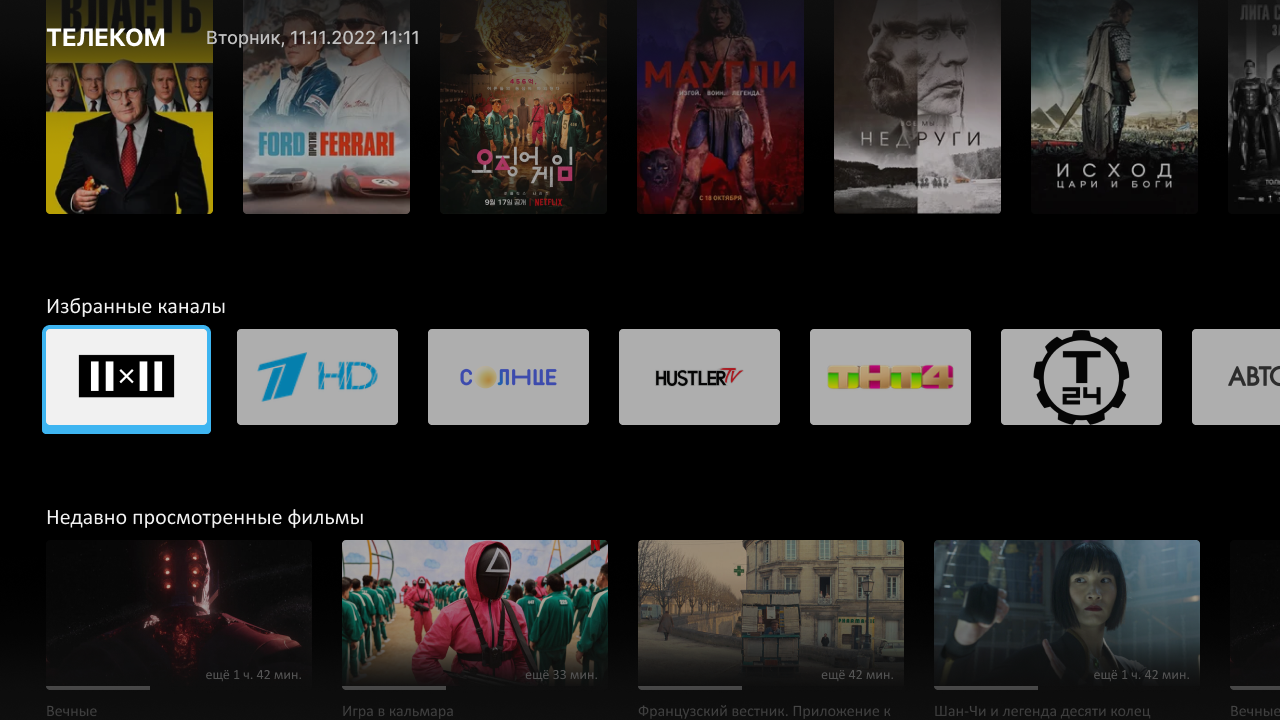
The main page of the service received an updated version of — Dashboard mode.
This is a flexible designer that allows you through the Smarty admin panel to fill the main page of the service with content tapes of TV channels, video library, online cameras, user selections.
Intro-setup
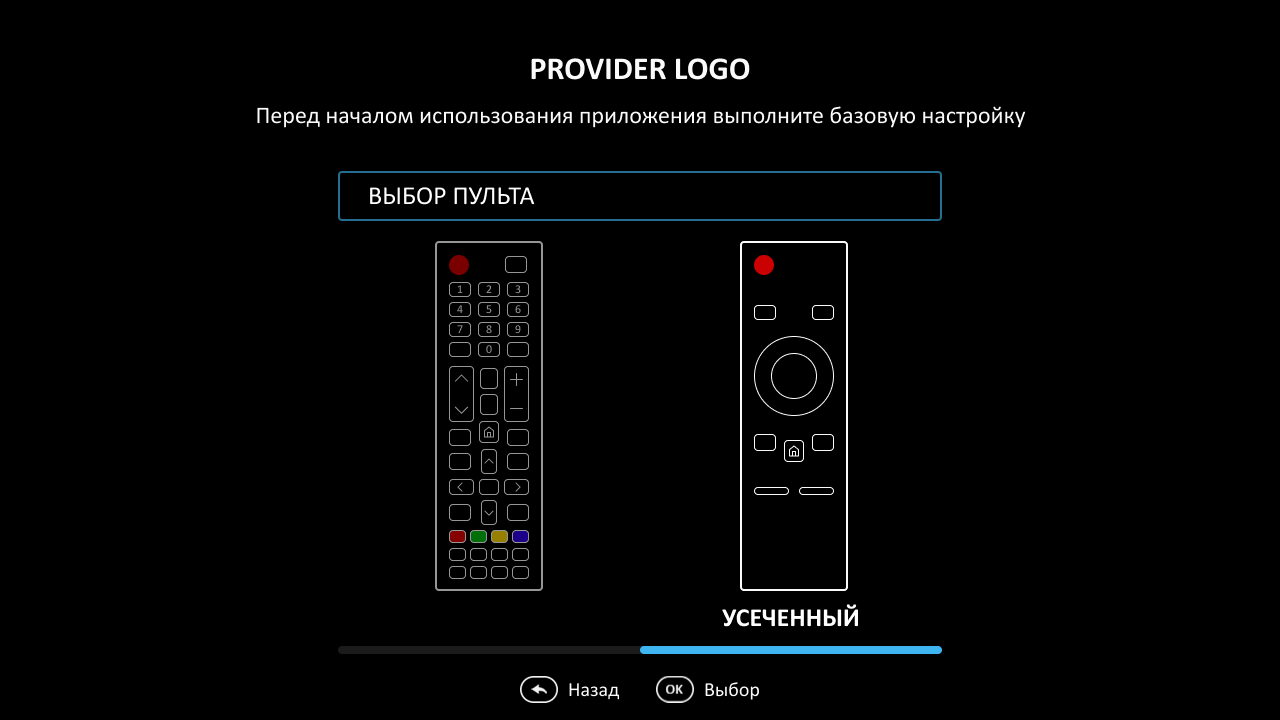
Another important feature that allows you to introduce the user to the interface and make the initial user settings is the intro-setup screen.
Through them, you can show instructions for managing the application, give the user the opportunity to change the interface language (relevant for multilingual projects), select the application management mode with or without color buttons on the remote control.
Updated page of series in the video library
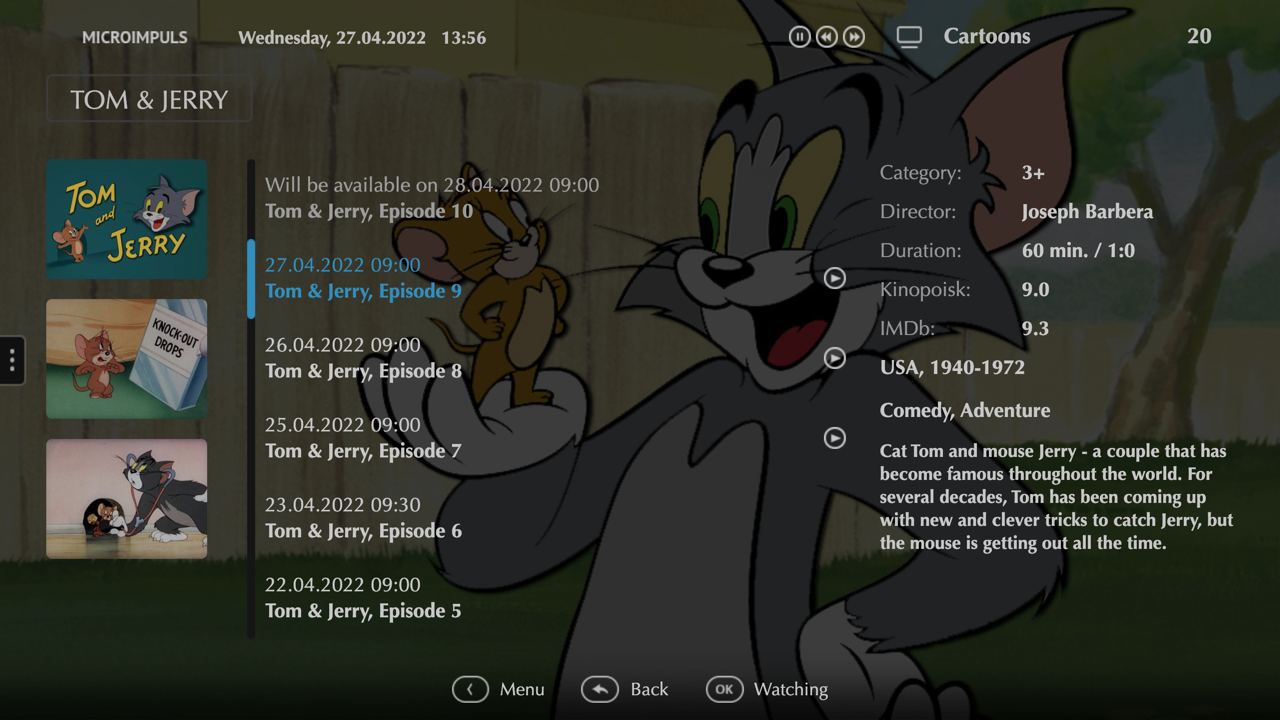
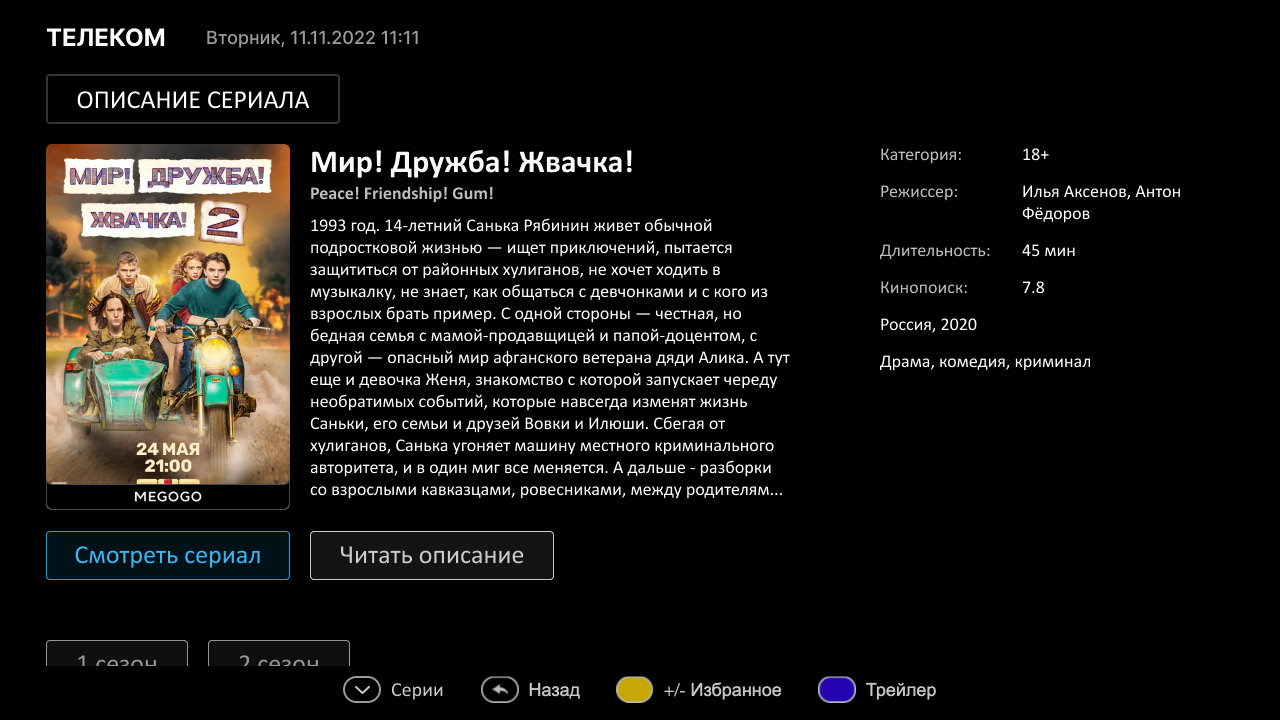
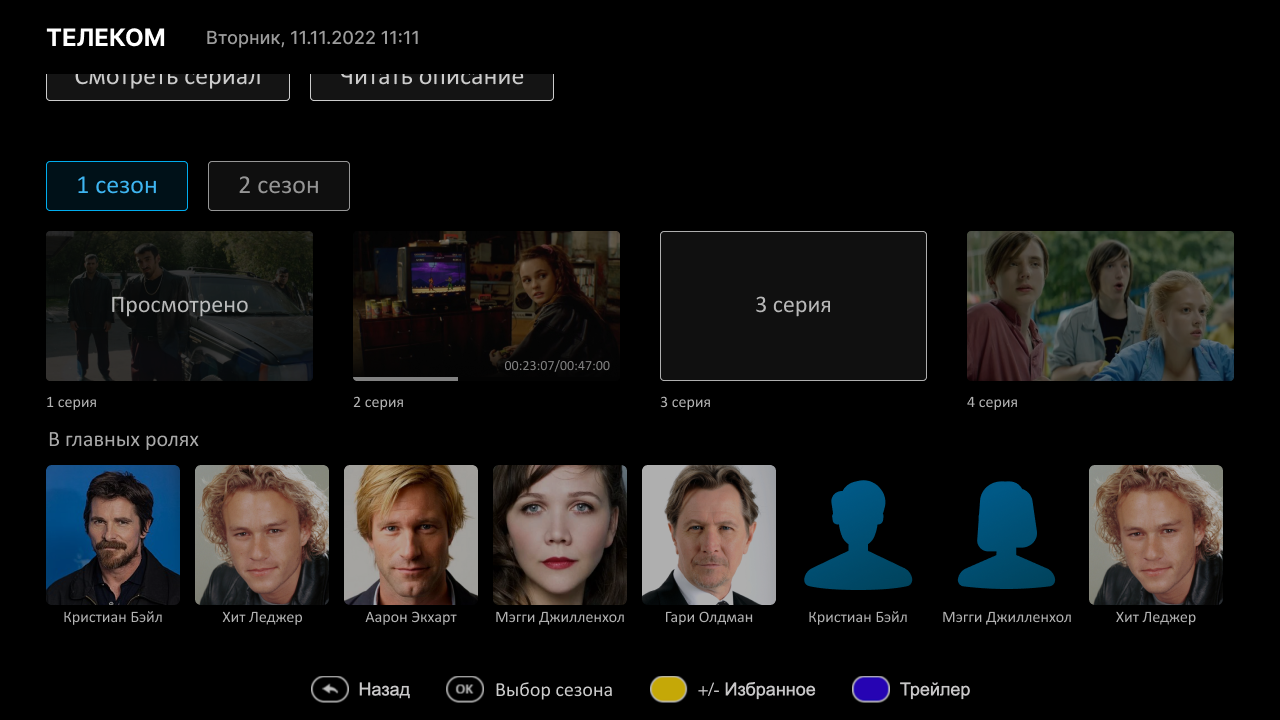
For a long time, we left the season/series management mode in the cinema in the form of regular drop-down lists. This is a standard and understandable mode of viewing the video library for users of all ages.
Now the screen of the series received an updated appearance: modern navigation among the seasons, elements of episodes with screenshots and an indication of the state of viewing.
Cameras
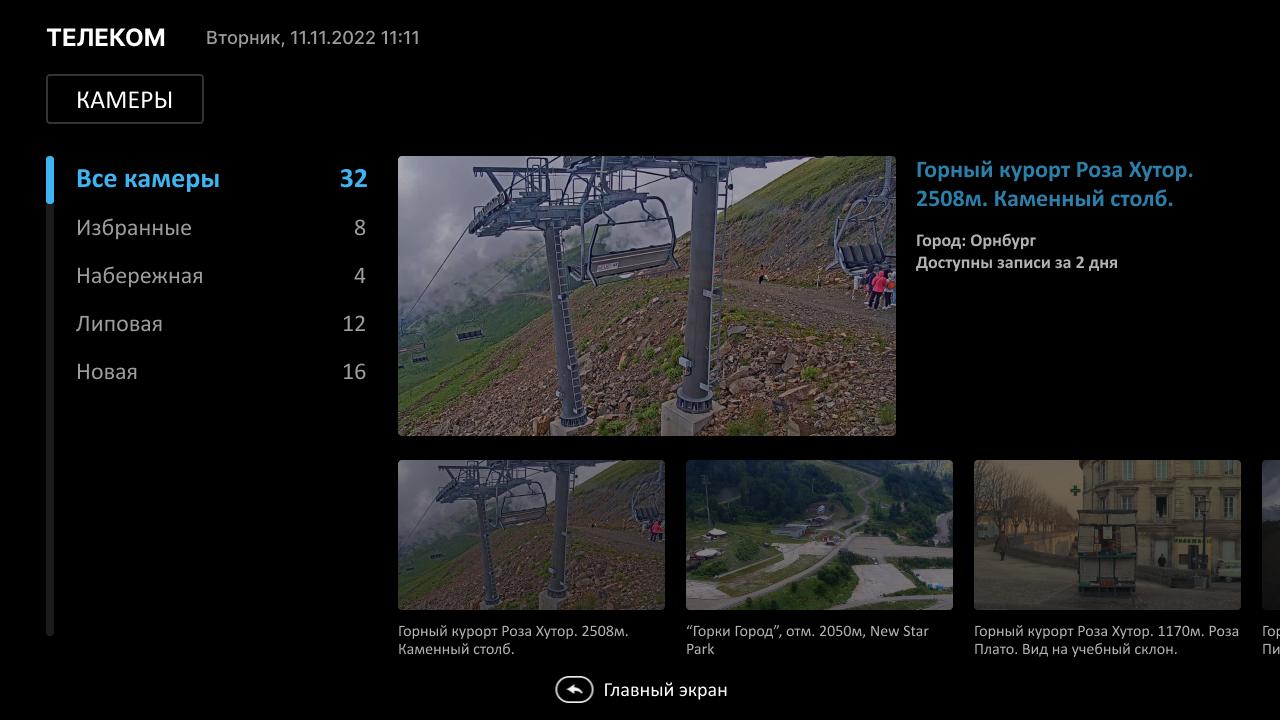
The appearance of online cameras in the interface has also changed. Now this screen contains a large preview player, convenient navigation among categories in the form of tapes.
Other application screens
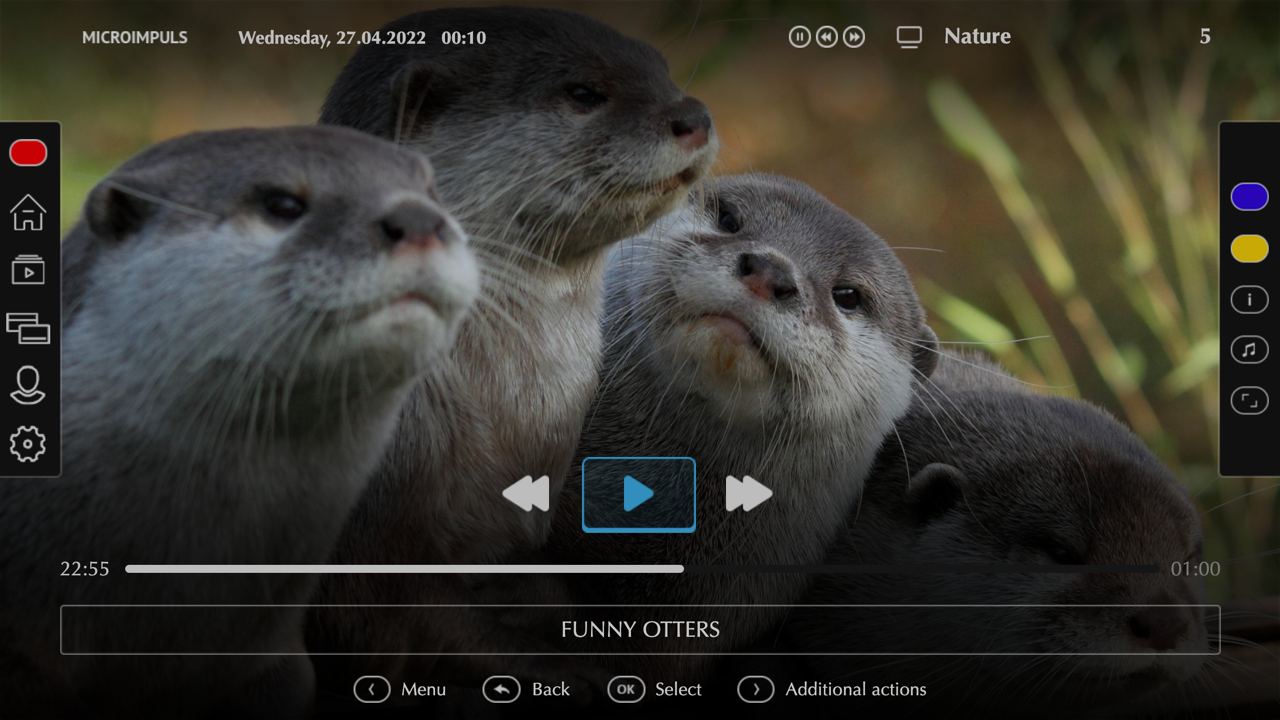
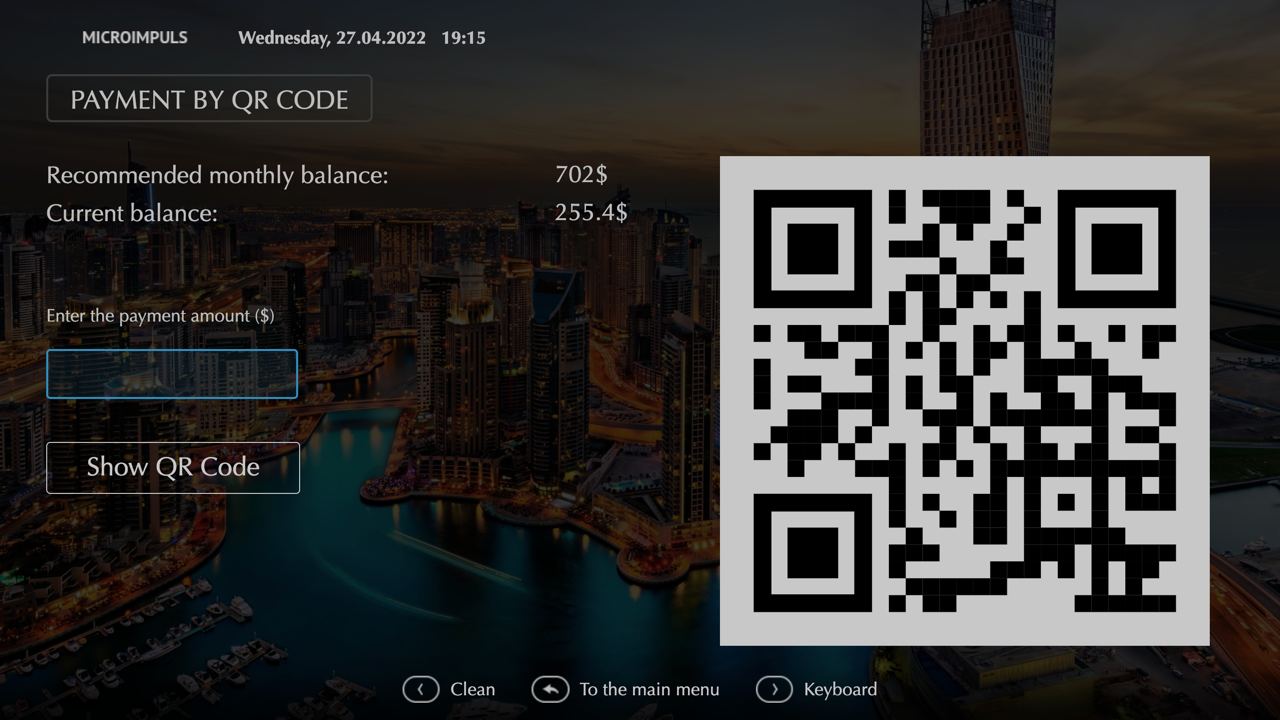
If you haven’t seen the Futuristic interface before, add a gallery below with other app screens.