
Voice control on Android TV
In the Sibseti template on Android TV devices from this release, a voice control button is available.


If a voice control option is available on the device (a microphone is built into the remote, and the device’s firmware has a standard speech recognizer from Google), then a voice control button appears in the assembly, starting with version 2.5, with which you can open an application section or enter a search string.
Engine
- A new option added
set_parent_control_for_adult_rated_videos, when included, for all films with an age rating of 18+, a PIN code will be requested even if the checkbox of parental control is not displayed. - For LG Netcast TVs, the method used to pause Live broadcasting and rewind from it has been adjusted.
- Added cleaning interval requests
ChannelProgramslogout. - Added option
account_status_intervalto redefine the time of the account status survey.
Futuristic
- A new option added
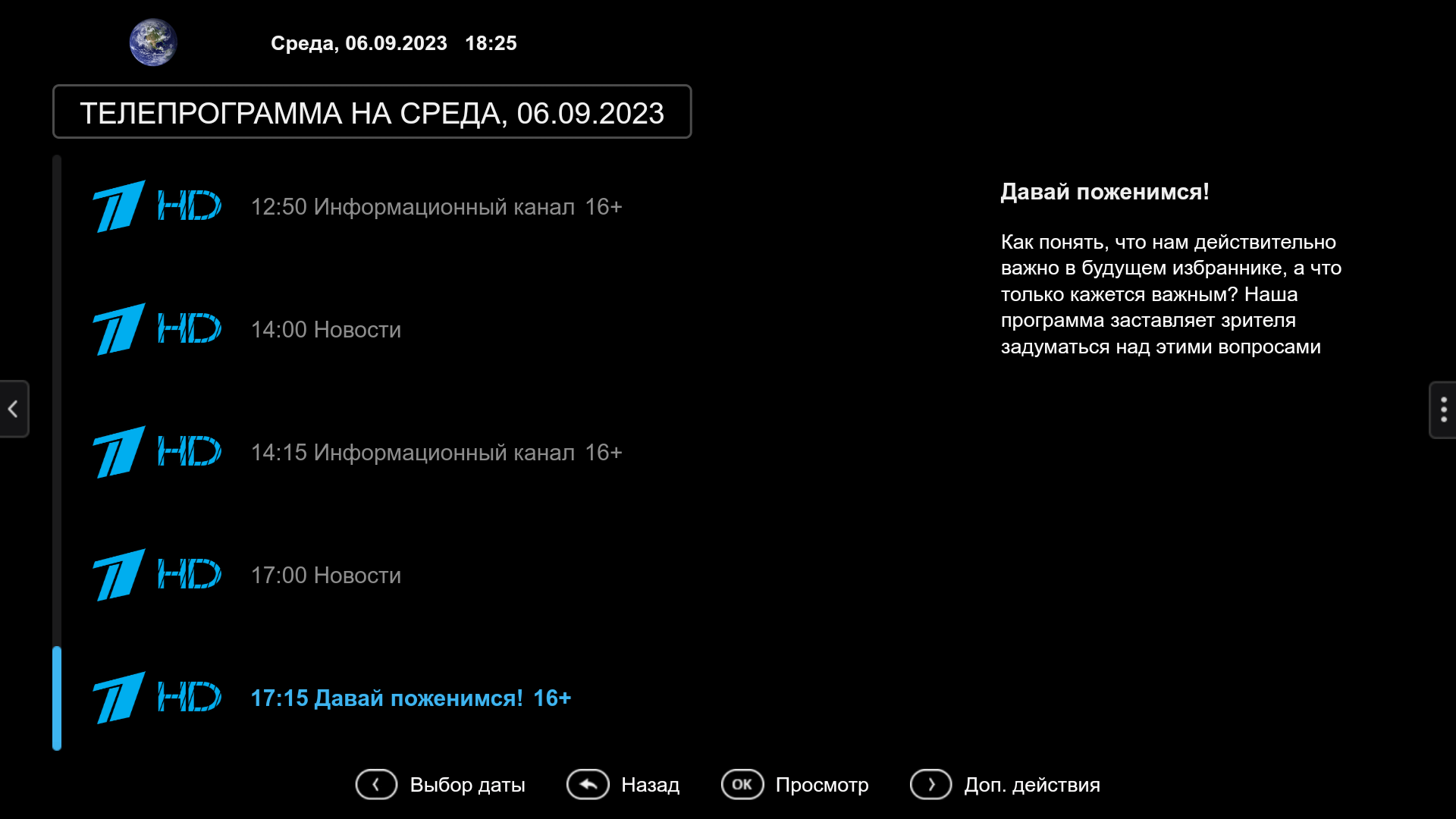
show_channel_logo_if_empty_epg_previewwhen you turn on the transmission program screen and the transmission description in the absence of previews, the channel icon is displayed.
- A new option added
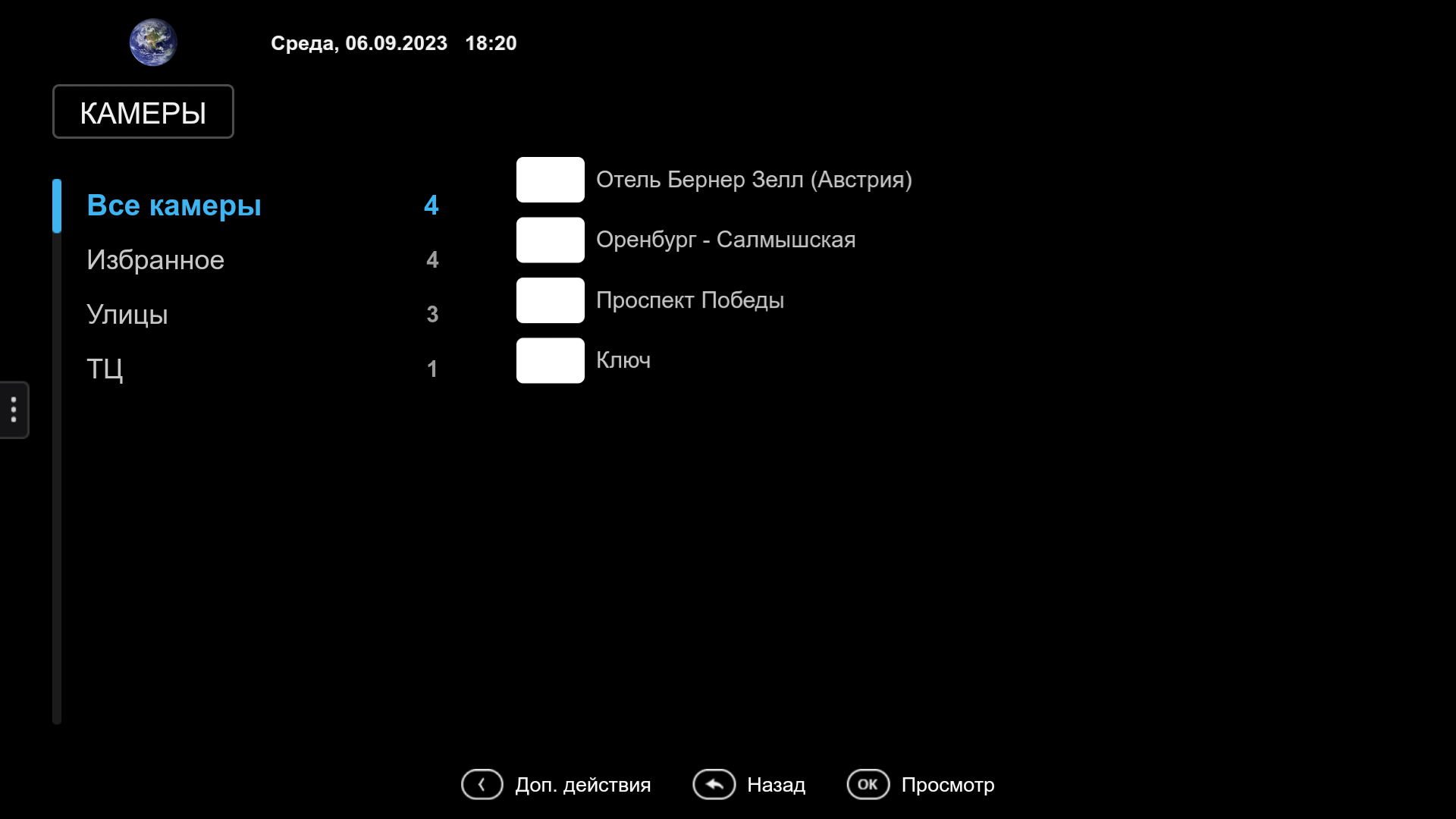
hide_camera_numberto hide the camera number.
- Added the ability to redefine the behavior of buying a movie theater through client.js:
OnAppInitEnd = function() {
App.contentScreen.customBehaviorForVideoPurchase = function() {
// Castomic behaviour
return true;
}
}- Added option
show_tariff_price_after_activation.
Sibseti
Personal office
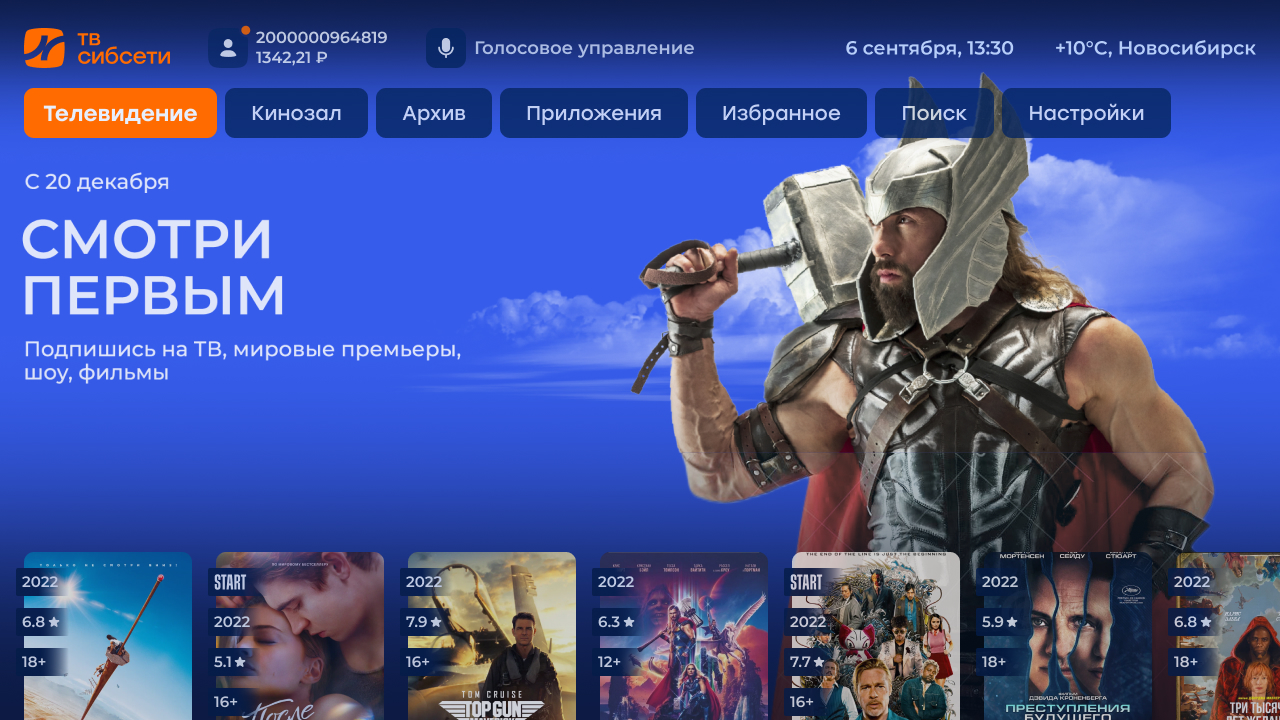
Added a new screen «Personal account » in which the user can view messages and a list of applications.

The new message is accompanied by a sticker on the personal account icon in all interface screens.
Archive
Added a new section of the main menu «Archive » which works by analogy with the template Futuristic. How to configure the section «Archive» in your service here.
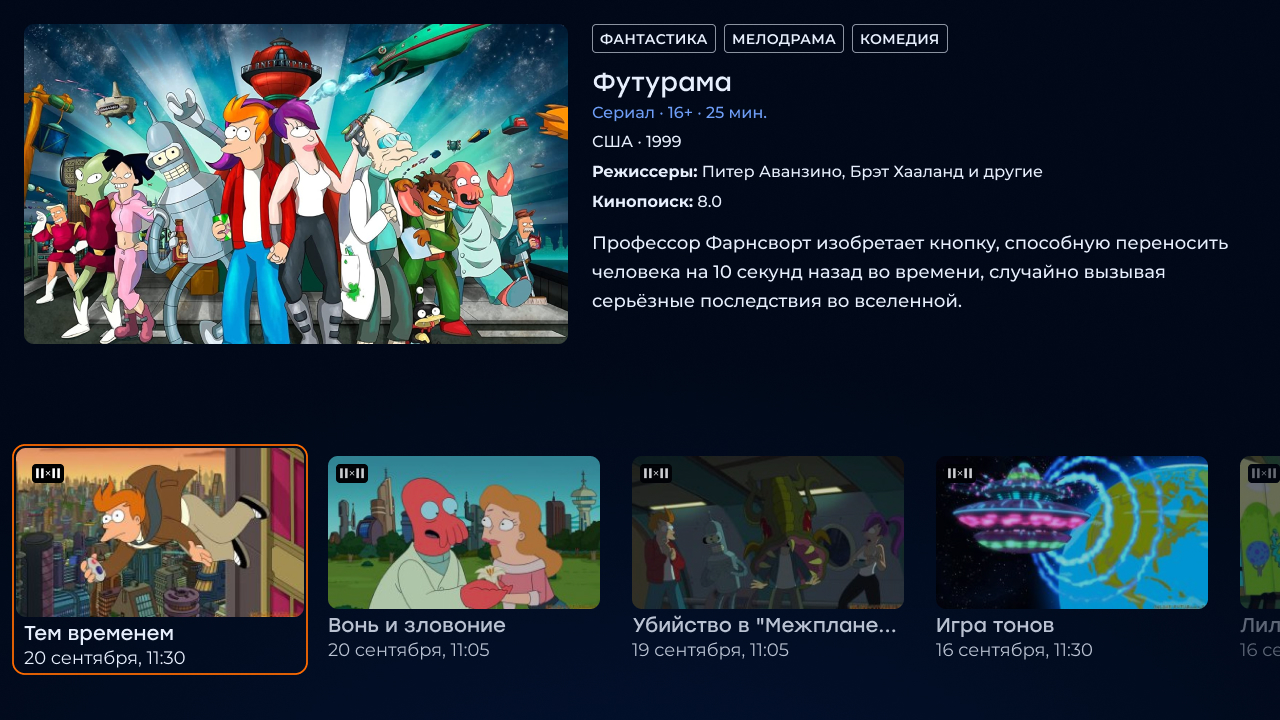
Date-time in a full-screen player
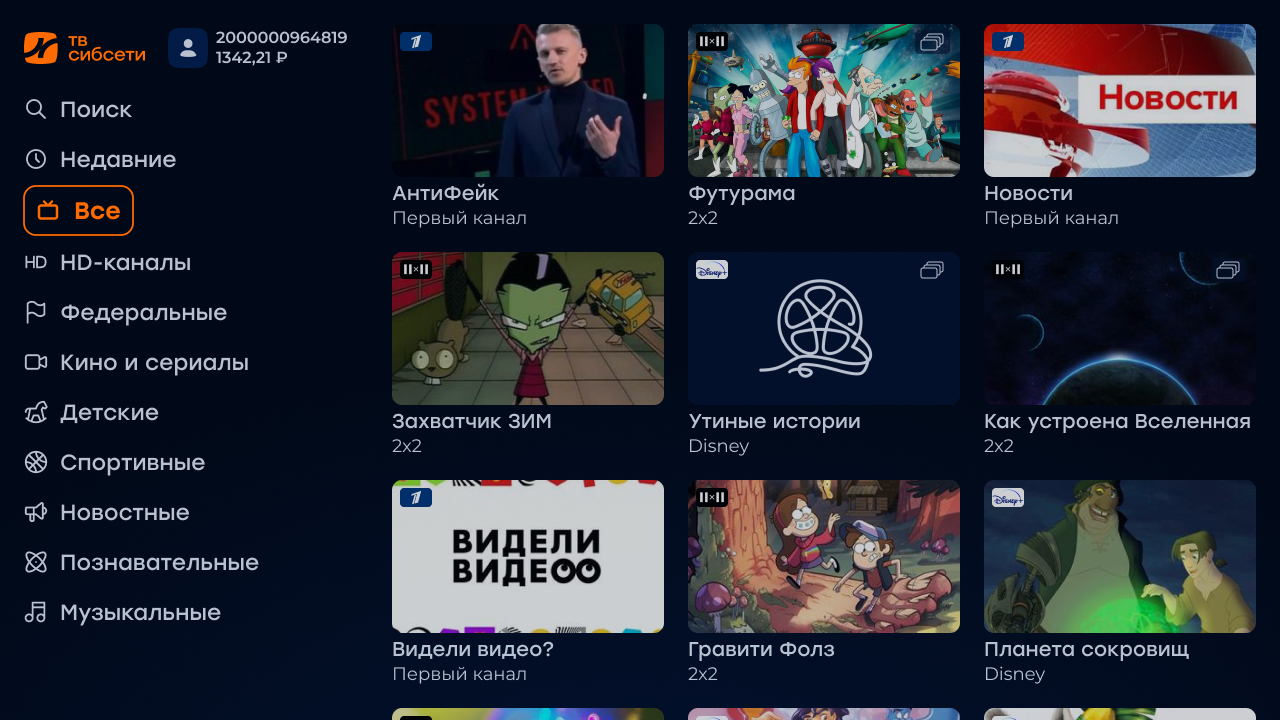
Added the display of the current date and time in the full screen player, as well as the ability to manage this display from the settings


Optimization of the interface
Added the ability to disable animation for low-performance devices
Other
- To get out of the child mode in the usual now it is necessary to enter a PIN code.
- In the screen «Settings » there is a possibility to select a player
- A new option added
show_filtering, allowing you to control the display of the section «Filtration» in the cinema. - The font size is increased on all interface screens so that they are comfortable to use on small diagonals of TVs.
- Added rounding of the rating of films and programs to the tenth.
- Added archive display for the list of channels in a full-screen player.
- A forced exit to the authorization page is added in case of a 403 error from the server.
- In the search screen, tapes are now displayed as they load, rather than when a response is received for all 3 feeds.
New Redmax interface
At the moment, the template is in the stage of active development, but in its current state it is ready to launch, because all the main functionality is already ready :fire:
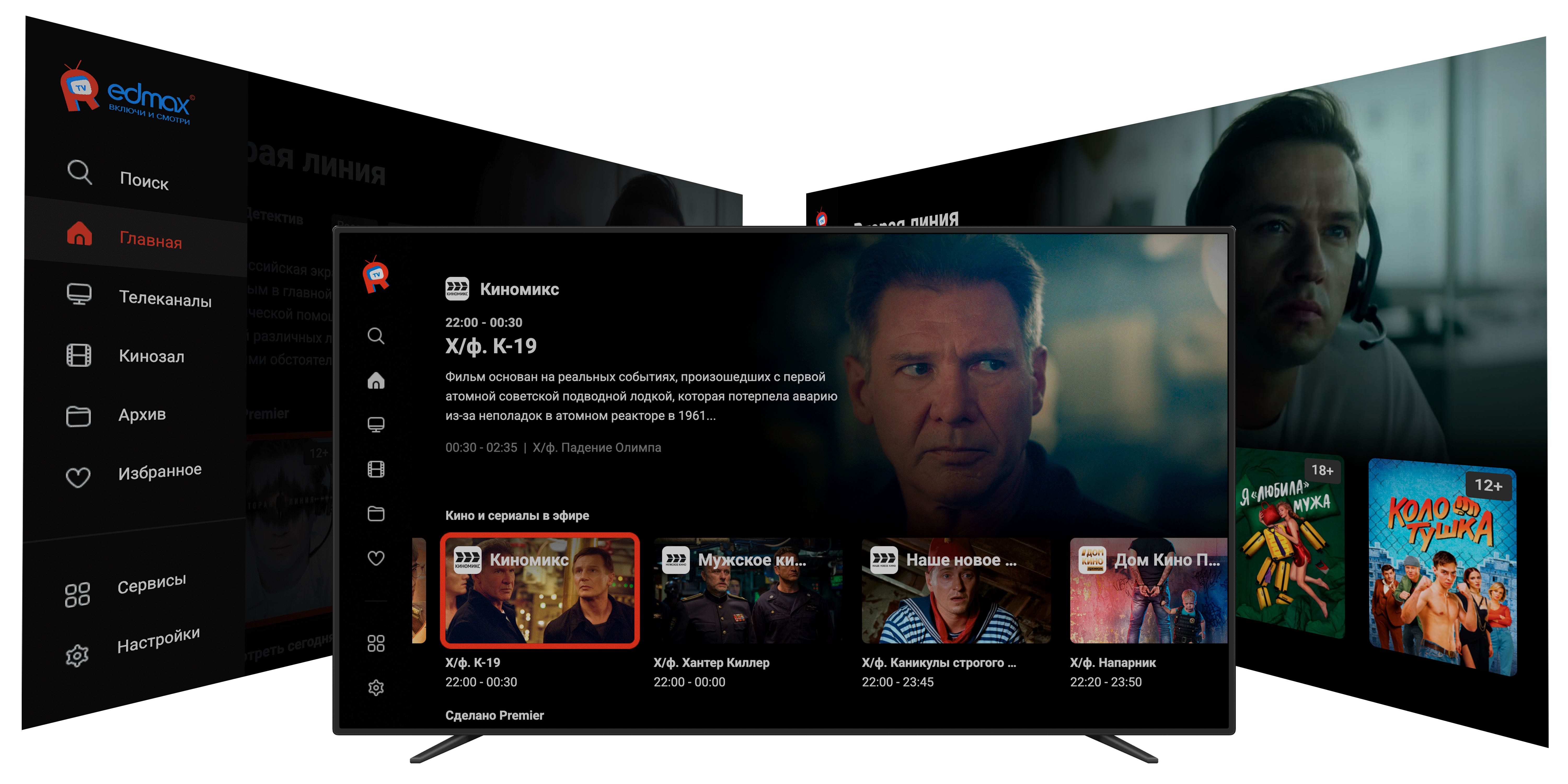
Details about the interface can be read here.
